

Warehouse Wi-Fi: Planning Around Racks, Aisles, and Mobile Devices
Warehouse wifi planning connects wireless design to work on the floor. Scanners must remain connected from receiving through shipping. Tablets, printers, cameras, voice devices, and WMS equipment share the network while moving through different physical conditions.
When wireless performance becomes inconsistent, the cause may not be the access point alone. Rack height, inventory density, device behavior, switch capacity, cabling, interference, and changing workflows can all affect the connection. A useful plan considers the complete path from the mobile device to the wired network and business application.
For warehouse and distribution leaders, the objective is practical: provide dependable coverage where work occurs, support smooth roaming, and leave enough capacity for operational growth.
1. Start Warehouse Wifi Planning With Workflows
Begin by mapping how people, inventory, and devices move during each shift. Document where employees scan incoming goods, confirm put-away, pick orders, print labels, stage shipments, load trailers, and complete returns. Include fixed workstations, mobile printers, forklift terminals, voice-picking equipment, tablets, cameras, and sensors.
Identify the applications behind those devices. A brief delay may be manageable for email but disruptive for a scanner submitting a WMS transaction. Record peak periods, shift changes, seasonal volume, and temporary staging because device concentration changes quickly.
Walk common travel paths with operations and IT. Note where users report retries, slow responses, disconnects, or delayed printing. This connects technical testing with real operational impact and gives the assessment clear priorities.
2. Map the Physical Warehouse Environment
Warehouse signals interact with the building and its contents. Tall metal racks can reflect or block radio energy. Dense inventory, concrete, insulated panels, machinery, and liquids can weaken or redirect signals. Cold storage adds environmental requirements.
Open docks and yard transitions create different challenges. Doors open and close, trailers move, and devices travel between indoor and outdoor coverage. Stock levels also change. An aisle that performs well when shelves are empty may behave differently when racks are full.
Document rack and ceiling heights, aisle width, inventory types, wall materials, mezzanines, cold areas, dock openings, machinery, and mounting restrictions. Update floor plans before using them for predictive design. The model should represent the operating warehouse, not an empty building.
3. Define Critical Coverage Zones
Not every square foot carries the same operational risk. Prioritize receiving, pick paths, packing stations, shipping lanes, staging areas, dock doors, yards, offices, and transitions between them. Include maintenance areas and battery-charging zones if connected devices are used there.
Define successful service for each zone, including target signal, acceptable latency, roaming, application response, and device capacity. A scanner aisle may require continuous coverage while a low-use storage corner has a different priority.
Mark coverage boundaries and transition points clearly. Problems often appear where a device moves between aisles, exits a cooler, crosses a dock door, or travels from the warehouse to a yard. These areas should be part of the design and validation route.
4. Plan for Device Density and Roaming
Coverage alone does not guarantee capacity. Count expected devices by zone and during the busiest period. Packing and staging areas may concentrate scanners, tablets, printers, and phones even if the warehouse-wide device total seems reasonable.
Roaming depends on access-point design, channels, power, bands, authentication, client capabilities, and application tolerance. Provide enough overlap for handoffs without excessive interference. Channel reuse and band selection should reflect the facility and device support.
Test the device models used on the floor. Older handheld scanners may support different bands, security methods, or roaming features than laptops and newer tablets. A design that looks strong during a laptop speed test may still perform poorly for the device that runs the warehouse workflow.
5. Place Access Points Intentionally
Predictive warehouse wifi planning is a useful starting point, but it is not the final answer. Floor plans and modeling help estimate access-point quantity, antenna patterns, and channel use. Onsite review confirms whether proposed locations are practical.
Check mounting height, aisle orientation, rack obstruction, antenna direction, exposure, cable access, lift requirements, and serviceability. A high ceiling may be convenient without producing the best signal inside loaded aisles. Some layouts require directional antennas or alternative mounting.
Avoid placing access points where signs, equipment, inventory, or future racking can block them. Confirm that technicians can safely reach each location for replacement or troubleshooting. The best theoretical position still needs a practical installation and maintenance path.
6. Confirm Switching, PoE, VLAN, and Uplink Capacity
Wireless service depends on the wired network behind it. Review available switch ports, Power over Ethernet budgets, uplink capacity, rack space, UPS protection, and management capability before adding access points.
An unused port does not always mean adequate PoE. Calculate demand by device model and leave reasonable headroom. Review whether uplinks can support wireless users, cameras, voice, business systems, and other traffic during peak operations.
VLANs can separate scanners, corporate devices, cameras, guests, voice, and operational technology. Coordinate segmentation with routing, firewalls, authentication, DHCP, DNS, and application requirements. Granado Technologies’ network infrastructure services can align wireless work with the switching, power, and backbone capacity supporting it.
7. Inspect Cabling Before Blaming Wi-Fi
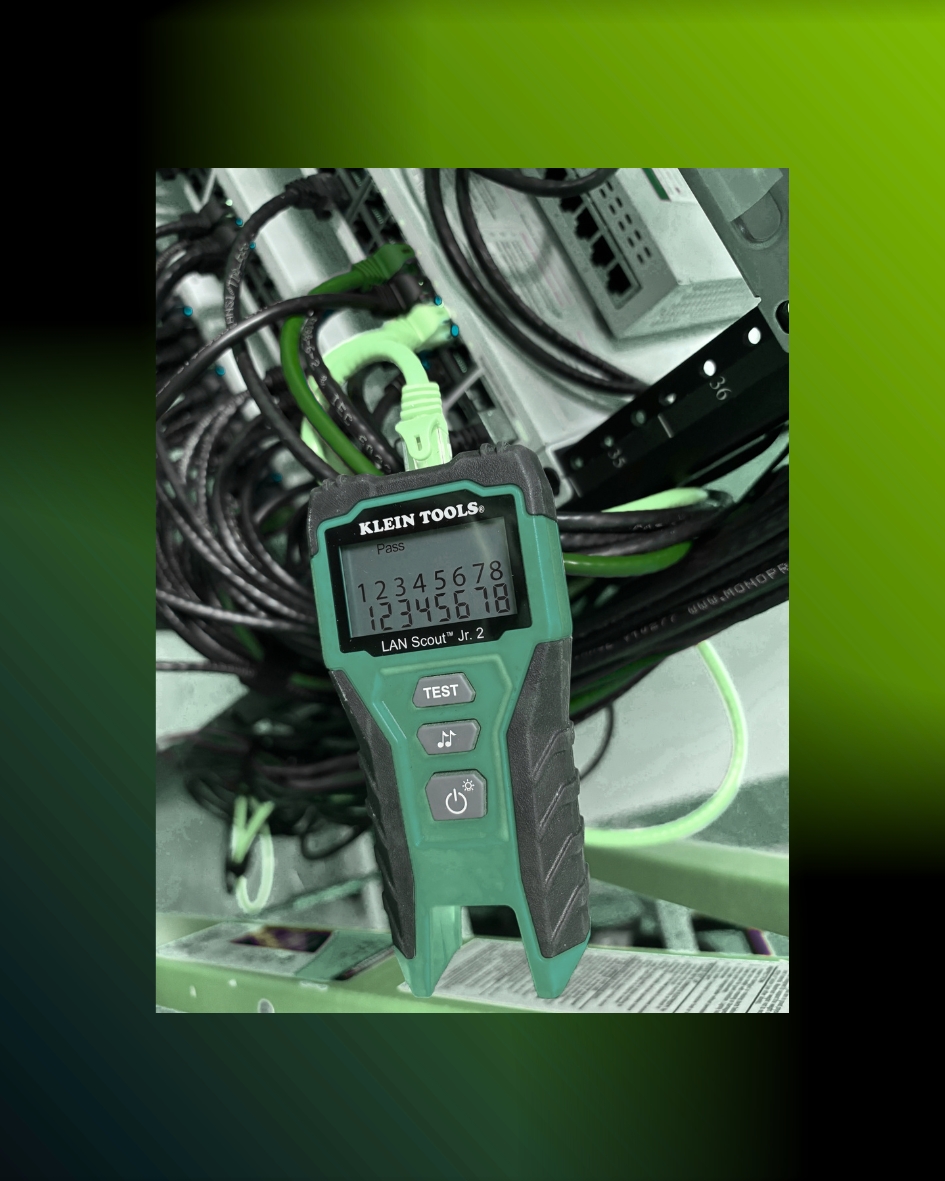
Every access point relies on a physical cable path. Damaged terminations, excessive distance, unsuitable cable, poor pathways, unlabeled ports, or intermittent connections can appear to be wireless problems.
Verify cable category, route, termination, patch-panel position, switch port, length, and test results. Inspect for damage near racks, doors, ceiling supports, heat, moisture, movement, or previous construction. Confirm both-end labels match the documentation.
Test questionable runs with appropriate equipment and record the result. If replacement is required, plan the pathway, access, lift, work window, and protection before scheduling the wireless cutover. Reliable cabling allows the access point to receive stable power and pass traffic consistently.
8. Validate Under Real Operating Conditions
Post-installation testing should occur with racks, inventory, machinery, and work areas in representative condition. Walk normal receiving, picking, packing, staging, and shipping routes with actual warehouse devices.
Measure signal, noise, channel use, latency, packet loss, throughput, and roaming. Look for dead zones, sticky clients, failed handoffs, application delays, and performance changes by device height. Test scanners where employees hold or mount them.
Confirm real transactions when possible. A successful speed test does not prove that a WMS session, label print, voice call, or camera connection will remain stable. Record results by location and compare them with the acceptance criteria established during planning.
9. Document the Network and Plan for Change
Warehouse wifi planning continues after installation. Keep access-point maps, models, names, cable IDs, switch ports, VLANs, power requirements, channel plans, test results, and coverage notes current.
Document exceptions and areas that may need attention if racks, product types, automation, or workflows change. Operations should notify IT before major layout changes so coverage and cable pathways can be reviewed early.
For multi-location organizations, use one documentation and acceptance format across sites. Consistent records make it easier to compare conditions, budget improvements, support local teams, and give onsite vendors a reliable starting point.
10. Granado Project Examples: Deployment and Connectivity Validation
Two completed Granado Technologies projects show how installation and inspection support dependable wireless infrastructure. Client, industry, and site identifiers are omitted.
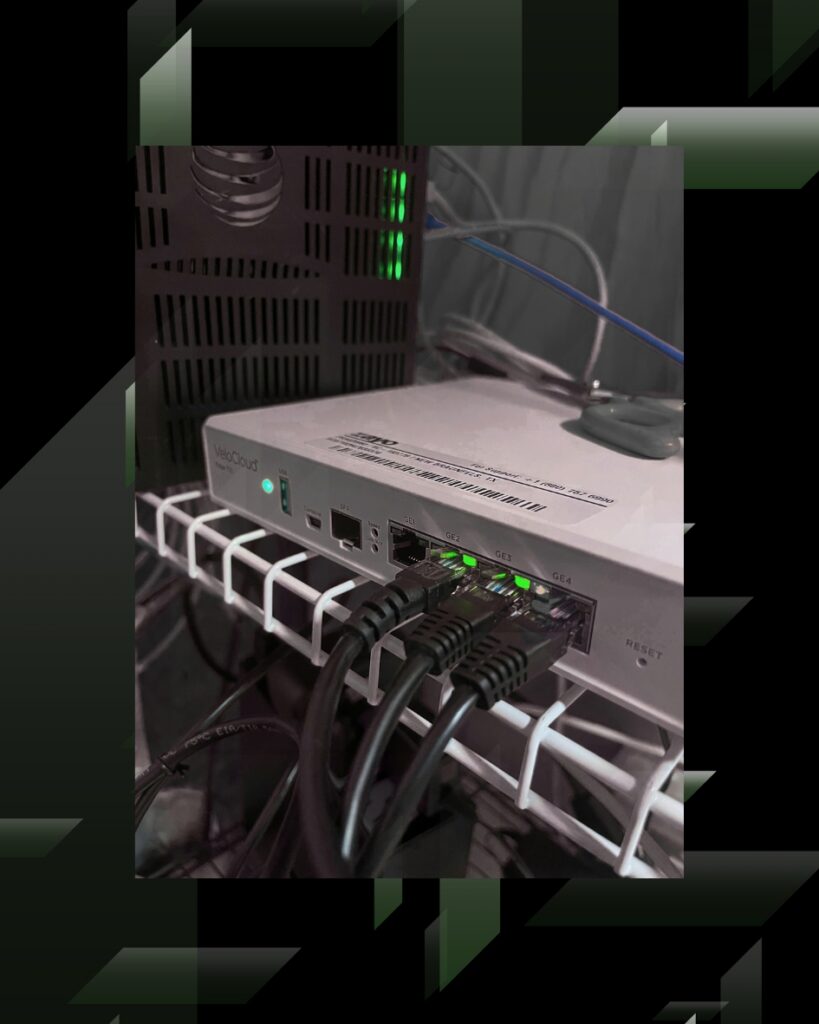
In the Wireless Access Point Deployment and Validation project, the technician reviewed mounting locations and drops, mounted three access points, terminated and labeled Cat6 cabling, connected switching or PoE, tested each cable, verified power, and worked with remote support to confirm registration and traffic. Closeout included device and rack photos, signoff, and test notes.
In the Access Point Cabling and Connectivity Inspection project, the technician inspected two access points, verified their cable paths and switch-port connections, photographed each device, documented physical locations, and gathered additional network information when requested. Together, these examples show why mounting, cabling, switch connectivity, remote validation, and closeout records belong in one wireless workflow.
11. Industry Case Study: High-Density Wi-Fi for Distribution Centers
An Extreme Networks case study describes how apparel manufacturer and distributor AS Colour planned wireless infrastructure for higher-density warehouse operations and future growth.
Its requirements included broad coverage, reliable access for an automated warehouse, consistent handoffs between access points, and centralized monitoring across distribution centers. The published results confirm a secure, high-capacity wireless network that maintained data connectivity between mobile devices and backend systems. IT gained centralized visibility, and the organization established a technology blueprint for future distribution centers.
The lesson for warehouse wifi planning is direct: design coverage, roaming, mobile connectivity, centralized management, and repeatable standards together. Products will vary, but the principles apply wherever mobile workflows depend on continuous access to core applications.
Schedule a Warehouse Wireless Assessment
Granado Technologies can support warehouse and distribution teams as a primary onsite infrastructure vendor or a responsive secondary partner. Our wireless networking services can include site surveys, access-point deployment, cabling coordination, network readiness checks, testing, documentation, and multi-site support.
If scanners disconnect, roaming is inconsistent, or a facility is preparing for new racks, devices, or workflows, contact Granado Technologies to schedule a warehouse wireless assessment.
Continue reading
 IT Infrastructure
 How to Standardize Network Upgrades Across Multiple Locations
How to Standardize Network Upgrades Across Multiple Locations Multi-site network upgrade planning helps retail and distributed organizations replace one-off dispatches with a repeatable process. When locations use different…
 IT Infrastructure
 Warehouse Network Infrastructure: How to Keep Scanners, Cameras, and WMS Connected
Warehouse Network Infrastructure: How to Keep Scanners, Cameras, and WMS Connected Warehouse network infrastructure affects nearly every connected workflow. Scanners need reliable Wi-Fi between aisles. Security cameras need…
 IT Infrastructure
 Industrial Security Camera Planning for Effective Coverage
Industrial Security Camera Planning for Effective Coverage Industrial security camera planning helps warehouses, logistics centers, and other industrial facilities improve visibility across fast-moving operations. Employees, forklifts, trucks, inventory,…
Need expert IT, networking, or low-voltage support?
Our team designs, deploys, and supports IT, structured cabling, Wi-Fi, security cameras, and audio-visual systems for businesses across all 50 states — backed by 24/7/365 service and BICSI-certified installers.