


Technology Upgrades for Small Practices Planning Guide
Technology upgrades should help a small practice run more efficiently. A new camera system should improve visibility. A network upgrade should make daily work more reliable. New cabling should support growth instead of creating confusion. But many dental, healthcare, wellness, and small-office environments create new problems when teams rush upgrades, skip planning, or overlook how the practice actually operates.
For small practices, technology issues are rarely just technical. They affect patient flow, staff productivity, front desk communication, vendor coordination, appointment schedules, and the ability to keep the day moving. A slow network, weak wireless coverage, poorly placed cameras, or messy cabling can turn a simple upgrade into an ongoing source of frustration.
That is why planning matters. Before a small practice adds more devices, cameras, workstations, phones, or wireless access points, it helps to look at the infrastructure already supporting the business.
Granado Technologies partners with healthcare providers, dental offices, and small practices. We deliver reliable onsite IT infrastructure services that support day-to-day operations. Security cameras, network infrastructure, and structured data cabling create a strong foundation for technology upgrades. Together, they support a more reliable and scalable environment. Addressing these core systems early can help reduce future disruptions and better prepare a practice for continued growth.
Why Technology Upgrades for Small Practices Can Create New Problems
Many small practices upgrade technology one issue at a time. A camera goes down, so the practice installs a replacement. A workstation keeps losing connection, so the IT team schedules a quick network fix.
That approach can solve the immediate issue, but it can also create new problems later. For example, a dental office may add new security cameras without checking whether the existing network can support the additional devices. The cameras may work at first, but staff could begin noticing slower connections, poor video playback, or unreliable access to cloud-based systems. The issue may not be the cameras themselves. The team may never have reviewed the network infrastructure before installing the cameras.
The same thing can happen with cabling. A healthcare practice may add workstations, phones, access points, or imaging equipment without updating its cabling documentation. Over time, the practice may not know which cable runs where, which ports are active, or whether older cabling can support current needs. When something breaks, troubleshooting takes longer because the infrastructure is unclear.
Technology upgrades for small practices work best when they are planned around the existing infrastructure instead of one device at a time. Taking a more complete approach helps reduce unexpected issues after new technology is installed. These are the kinds of issues that create bottlenecks. For more on that broader issue, see our pillar blog, Removing IT Bottlenecks with Quick IT Field Services.
 Start Technology Upgrades for Small Practices with Your Existing Infrastructure
Before any technology upgrade, the first step should be understanding what is already in place. A small practice should understand its network equipment, cabling layout, wireless coverage, camera locations, connected devices, and the areas where staff already report recurring issues. Successful technology upgrades for small practices begin with understanding the systems already in place. Taking time to evaluate the existing infrastructure helps prevent new issues from appearing after the upgrade is complete.
You do not need to overcomplicate the process. The goal is simply to avoid making upgrade decisions without enough visibility.
For example, if a small medical office wants to add cameras at the front entrance, waiting area, hallway, and rear door, that may sound like a simple project. But the better question is whether the current network can support those cameras reliably and whether the cabling path is ready for installation.
If the answer is unclear, the practice may need an onsite review before moving forward. That is where responsive onsite IT support can help internal teams, office managers, and existing vendors avoid delays.
Plan Security Cameras Around Visibility and Infrastructure
Security camera installation should not only be about buying cameras. It should be about placing the right cameras in the right locations and making sure the infrastructure can support them.
For dental, healthcare, and wellness practices, visibility often matters around the front entrance, reception area, hallways, exterior doors, parking areas, storage areas, back entrances, and shared office spaces. The goal is not to overcomplicate the system. The goal is to improve visibility where it matters most.
Before installing or upgrading cameras, identify the areas that need better visibility. Consider blind spots, decide whether wired or wireless cameras make more sense, verify the existing cabling can support them, and determine who will need access to the footage.
A camera upgrade can create problems when these questions are skipped. Poor placement can leave important areas uncovered. Weak network planning can affect performance. Lack of cabling preparation can slow installation or create extra costs. When planning technology upgrades for small practices, security cameras should be considered alongside network infrastructure and structured cabling. Looking at these systems together helps create a more reliable installation.
For practices reviewing camera needs, Granado can help evaluate the site, plan placement, and support the infrastructure needed for a cleaner installation. Learn more about our security camera services.
Review the Network Before Technology Upgrades for Small Practices
Network infrastructure is one of the easiest areas to overlook because it usually stays in the background until something stops working.
In a small practice, the network may support front desk workstations, clinical workstations, phones, printers, patient check-in devices, imaging systems, wireless access points, security cameras, payment systems, vendor-managed equipment, and cloud-based software. When more devices are added without reviewing the network, the practice may begin seeing slow performance, dropped connections, weak Wi-Fi, or inconsistent access to critical systems.
This is especially important for healthcare it support and dental IT support because daily operations depend on reliable access. If staff cannot access patient records, imaging tools, phones, scheduling systems, or payment systems smoothly, the technology issue becomes an operational issue.
Before a network upgrade, review whether the current infrastructure can support today’s device load and future growth. Check switch capacity, wireless coverage, network layout, device organization, and physical cabling.
A network upgrade should make the environment easier to support, not harder to understand. For related guidance, read The Hidden Infrastructure Issues That Delay Warehouse & Manufacturing Technology Projects.
Treat Structured Cabling as a Long-Term Investment
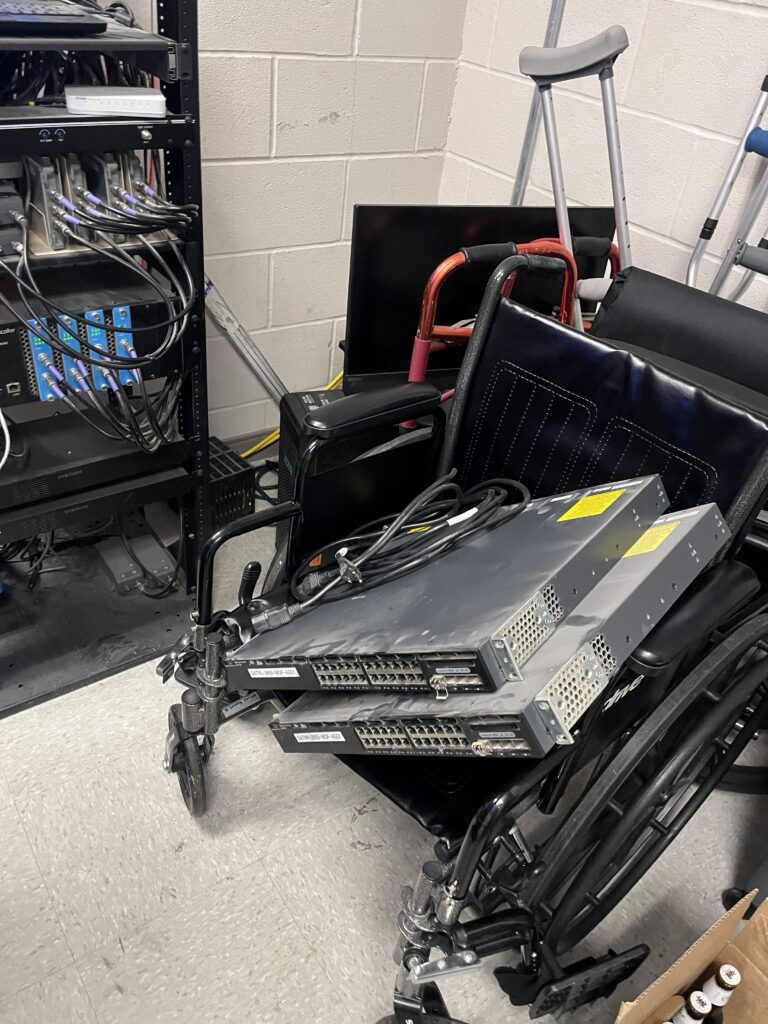
Structured cabling is one of the most important parts of a reliable technology environment, but it is often treated as an afterthought.
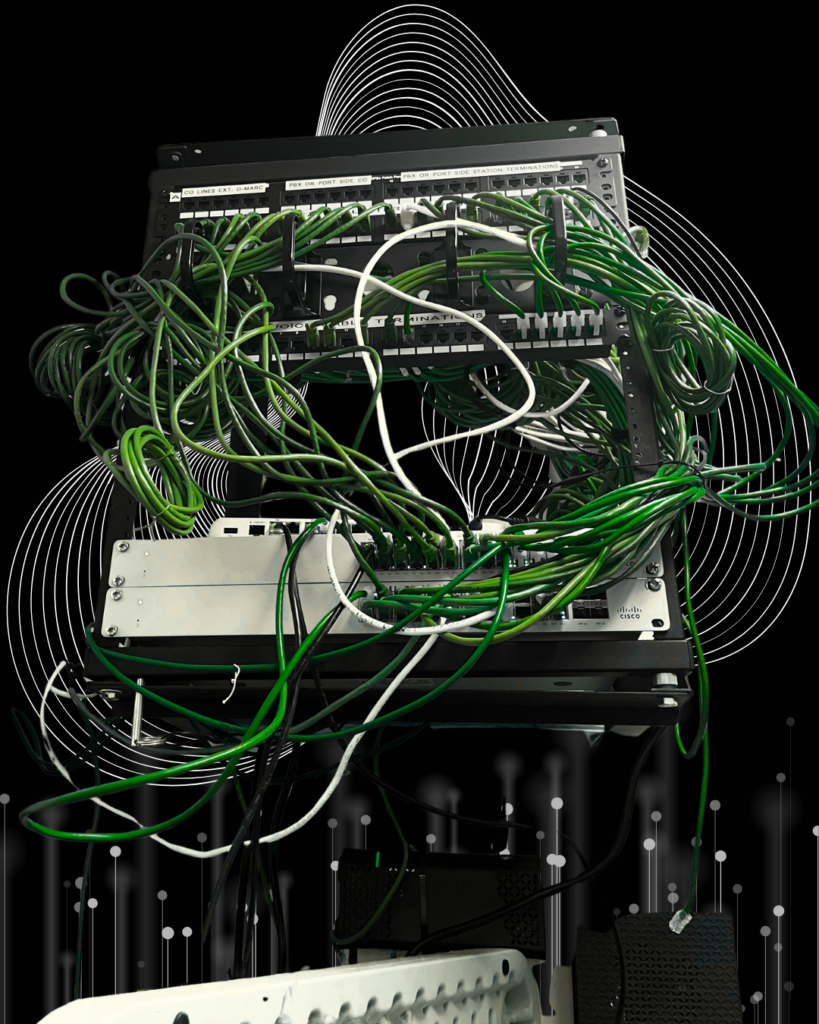
When technicians install, label, and document cabling with future needs in mind, the practice can grow more easily. When cabling is messy, unlabeled, or installed without a plan, it can create long-term problems.
A small practice may run into issues when staff do not have enough data drops. Older cable may not support current performance needs. Unlabeled ports and years of piecemeal cabling can make future upgrades much harder. These issues may not seem urgent at first, but they can make future upgrades more difficult.
A dental office adding treatment rooms, for example, may need data drops for workstations, imaging equipment, phones, and wireless access points. Planning cabling late can slow the project or require rework. Planning cabling early helps the practice avoid many of those delays. If cabling is planned early, the practice can avoid many of those delays. This is another reason technology upgrades for small practices should include a review of structured cabling before new equipment is installed.
Granado supports structured cabling and data cabling services for small practices that need cleaner infrastructure, new drops, better documentation, or cabling support before a larger technology upgrade.
 Coordinate Vendors Before Installation Day
Small practices often work with multiple vendors. One vendor may manage practice software. Small practices often rely on multiple vendors to manage their technology. One company may oversee practice software, another may handle phone systems, while a different provider installs security cameras. Internet service and network equipment may also be managed by a separate vendor.
Without coordination, technology upgrades can stall. A camera vendor may arrive before cabling is ready. A software vendor may blame the network for performance issues. An internet provider may say service is working, while the internal network still has problems. Staff may not know who is responsible for what.
This is where a responsive IT infrastructure and field services partner can help. Granado can support onsite needs so internal teams and existing vendors do not become bottlenecks. That may include checking cabling, helping with network infrastructure, assisting with camera installation needs, or providing field support when a vendor needs reliable hands onsite.
This is also why small practices should avoid treating every technology upgrade as a separate project. Cameras, cabling, wireless, and network infrastructure are connected. Planning them together helps reduce confusion.
Case Study Example: A Dental Office Preparing for Cameras and Wi-Fi Improvements
A helpful industry example comes from Dental Products Report’s article, “Wi-Fi and the Modern Dental Office,” which describes a dental office that needed to move beyond aging consumer-grade networking equipment. The practice had to support patient records, billing, patient Wi-Fi, credit card processing, staff devices, and security cameras.
The main takeaway is clear: modern dental offices depend on more than internet access. They need a reliable network foundation that can support multiple systems at once. Technology upgrades for small practices are more successful when cameras, wireless, cabling, and network infrastructure are reviewed together before new devices are added.
Source: Dental Products Report, “Wi-Fi and the Modern Dental Office”
Keep the Upgrade Focused
Granado Technologies is a full-service technology company, and broader services such as MSP support, access control, VoIP, computer support, and other IT services remain part of what we can provide. But for many small practices, the best starting point is not a long list of every possible service.
The best starting point is usually the practical infrastructure that supports daily operations: security cameras, network infrastructure, and structured/data cabling.
These services create clearer conversations because they connect directly to visible business needs. They also help uncover additional issues where it makes sense. A camera project may reveal network concerns. A cabling project may reveal wireless coverage gaps. A network review may reveal equipment or vendor coordination needs.
This approach also helps technology upgrades for small practices stay organized by addressing the infrastructure that supports daily operations before expanding into additional projects. That is the point of a sharper go-to-market strategy. It makes the first conversation easier to understand, then allows the opportunity to expand based on what the practice actually needs.
How Technology Upgrades for Small Practices Stay Easier to Support
The best technology upgrades do more than fix one problem. They make the practice easier to support over time.
For dental, healthcare, wellness, and small-office environments, that means planning around the real infrastructure that keeps daily work moving. Cameras need reliable connections. Wireless needs the right network foundation. Workstations and devices need clean cabling. Vendors need coordination. Staff need systems that work without constant interruption.
Granado Technologies helps small practices and healthcare businesses with responsive onsite IT infrastructure support, including cabling, wireless, cameras, and related field services. Whether your practice needs a focused upgrade or help identifying infrastructure issues before they become bigger problems, our team can help you plan the next step.
If your office is reviewing cameras, network infrastructure, or cabling, contact Granado Technologies to start a simple conversation. Technology upgrades for small practices begin with understanding the existing infrastructure. Review network infrastructure, structured cabling, and security cameras before adding new technology. This approach helps prevent unexpected issues, reduces downtime, and makes future upgrades easier to support.
Continue reading
 IT Infrastructure
 Industrial Security Camera Planning for Effective Coverage
Industrial Security Camera Planning for Effective Coverage Industrial security camera planning helps warehouses, logistics centers, and other industrial facilities improve visibility across fast-moving operations. Employees, forklifts, trucks, inventory,…
 IT Infrastructure
 Wireless Coverage Problems: Causes and Solutions
Wireless Coverage Problems: Causes and Solutions Wireless coverage problems can significantly disrupt industrial operations, even when they begin as minor connectivity issues. Warehouses, manufacturing facilities, distribution centers, and…
 IT Infrastructure
 Medical Office Renovation IT Infrastructure for Growth
Medical Office Renovation IT Infrastructure for Growth Medical office renovation IT infrastructure planning is essential for dental, medical, and other small healthcare practices that are expanding or remodeling.…
Need expert IT, networking, or low-voltage support?
Our team designs, deploys, and supports IT, structured cabling, Wi-Fi, security cameras, and audio-visual systems for businesses across all 50 states — backed by 24/7/365 service and BICSI-certified installers.