


What June Revealed About Healthcare IT Support
June made one thing clear for healthcare, dental, and small practice environments: IT problems do not always begin as major outages. More often, they show up as small disruptions that slowly start affecting the flow of the day. A front-desk workstation runs slowly. A check-in tablet drops from Wi-Fi. A phone call sounds choppy during scheduling. A security camera goes offline for a few minutes. Staff restart the device, keep moving, and hope it does not happen again. For more context on why these small delays matter, see Granado Technologies’ pillar blog, Removing IT Bottlenecks with Quick IT Field Services.
For small medical offices and dental practices, these issues are easy to underestimate because the office is still open. Patients are still being seen. Phones may still ring. But when the same problems repeat during busy hours, they usually point to a deeper support issue. That is where healthcare IT support, dental IT support, network infrastructure support, structured cabling, security cameras, and responsive onsite IT support become much more important.
For healthcare and dental practices, the clearest technology conversations often start with practical needs: reliable security cameras, stable network infrastructure, and clean structured cabling. These areas are easy to identify, directly connected to daily operations, and often help uncover other support needs once the conversation begins.
What June Revealed
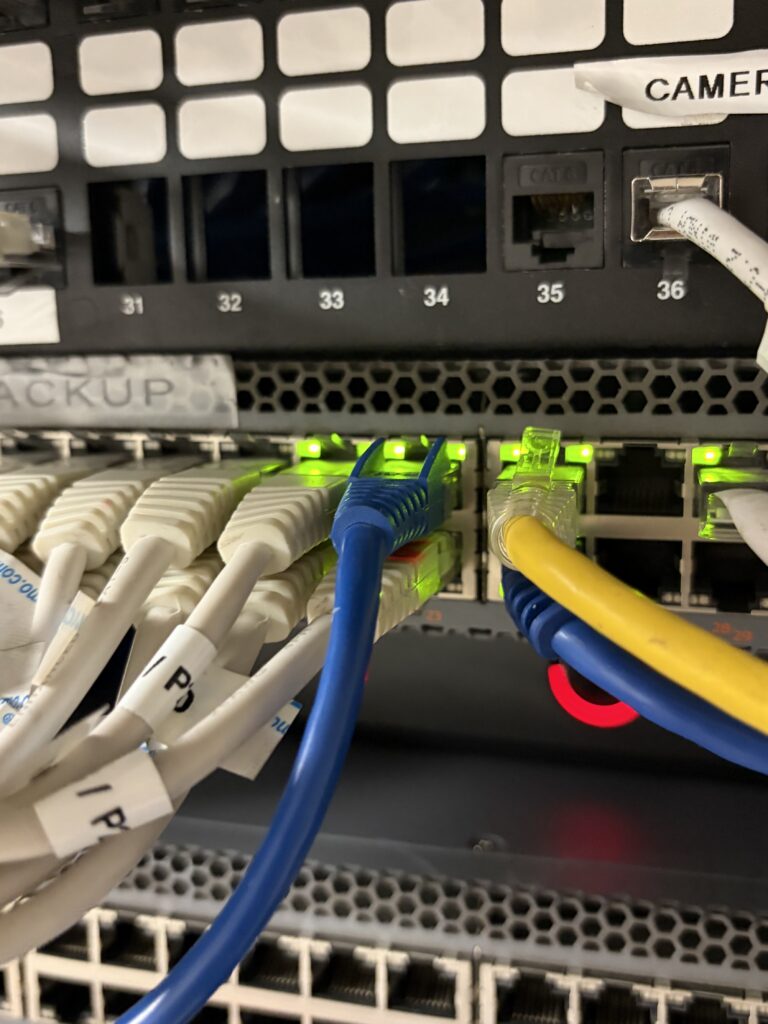
The biggest lesson from June was that small practices often feel IT support problems before they define them. A practice may not say, “We need a network infrastructure evaluation.” Instead, the team says the phones are unreliable, the front desk keeps freezing, the Wi-Fi is weak in certain rooms, or the cameras are not always available when someone needs footage.
Those symptoms matter because healthcare and dental offices run on connected systems. Scheduling software, patient communication tools, phones, printers, scanners, payment terminals, imaging systems, security cameras, and wireless devices all depend on stable infrastructure.
This is why network infrastructure should be treated as an operational issue, not just a technical one. Strong network deployments and reliable structured cabling help keep the office easier to support, easier to troubleshoot, and better prepared for future upgrades.
The First Operational Signs Offices Noticed
In a healthcare or dental practice, the first signs usually appear at the front desk. Staff may be answering phones, checking in patients, confirming appointments, scanning forms, printing labels, processing payments, and communicating with providers.
When infrastructure starts to struggle, the signs are practical. Calls may drop or sound unclear. Scheduling screens may lag. Printers may stop responding. A scanner may disconnect. A check-in tablet may lose Wi-Fi. A camera may not load when the office manager needs to review an event. None of these issues may feel large enough to stop the day, but together they create friction.
This is where many practices lose time. Staff restart devices, move tablets closer to the router, call one vendor and then another, or ask patients to wait. These workarounds may keep the day moving, but they also hide the real issue.
How These Issues Affect Scheduling, Communication, and Patient Flow
Healthcare and dental offices depend on predictable rhythm. Check-in systems need to respond quickly. Phones need to be clear and stable. Providers need access to the tools and information that support care.
Network infrastructure problems interrupt that rhythm. A slow workstation can delay scheduling. A weak wireless signal can slow intake. Choppy phones can affect patient communication and follow-up. A disconnected printer can hold up paperwork. An unreliable camera can create uncertainty around office security.
The issue may not create a dramatic outage, but it can still affect patient flow. A few minutes lost at check-in can push the schedule behind, and repeated device issues can make staff feel like they are constantly catching up.
What the Underlying Support Issue Usually Turns Out to Be
In many cases, the device that fails is not the real root cause. A phone issue may be tied to cabling, switch capacity, internet stability, or network configuration. A camera issue may involve PoE power, cable quality, network load, or poor placement. A Wi-Fi issue may come from weak access point coverage, outdated equipment, or an office layout that changed without a new wireless plan.
Poor documentation is another common issue. If no one knows which wall plate, switch port, cable, or patch panel connection supports a front-desk device, every fix takes longer. That is why structured cabling is more than installation work. It is part of long-term support readiness.
June also reinforced why security cameras are a strong entry point for conversations with small practices. Camera projects are easy to understand, but they depend on the same infrastructure that supports phones, Wi-Fi, and workstations. When cameras drop offline or video is hard to access, the evaluation may uncover cabling problems, network capacity issues, or missing documentation.
Case Study Outline: When Recurring Issues Start Disrupting the Office
A Schultz Technology article on dental practice technology challenges notes that unstable networks can slow down patient care, especially when EHR systems lag, imaging software freezes, digital X-rays process slowly, or VoIP calls become choppy. The article also points out that these problems are often not caused by the software itself, but by the network behind it.
That same pattern can happen in a smaller dental or healthcare practice. The first signs may not feel dramatic. The front desk notices choppy calls during scheduling. A check-in tablet disconnects from Wi-Fi several times a week. A printer near reception stops responding during busy periods. A camera near an entrance occasionally appears offline.
At first, each issue may be treated separately. The phone vendor checks the phone system. Staff restart the tablet. Someone reconnects the printer. The camera comes back online after a reboot. The office stays open, but the team loses time every week.
The underlying issue would likely require an onsite review. Granado would prioritize the systems that affect daily flow first: front-desk devices, phones, Wi-Fi coverage, network drops, cabling labels, switch capacity, camera connectivity, and documentation. From there, the goal would be to determine whether the problem is tied to weak cabling, access point placement, overloaded equipment, poor network organization, or the need for more responsive onsite support.
Proof to collect after corrective work would include fewer repeated disruptions, faster troubleshooting, fewer vendor handoff delays, better camera uptime, clearer phones, and more stable day-to-day workflows. Those claims should only be used publicly when the practice has actual results or approved case study details.
Source: Schultz Technology, “3 Dental Practice Technology Challenges in 2026”
 What Granado Would Prioritize in the Evaluation
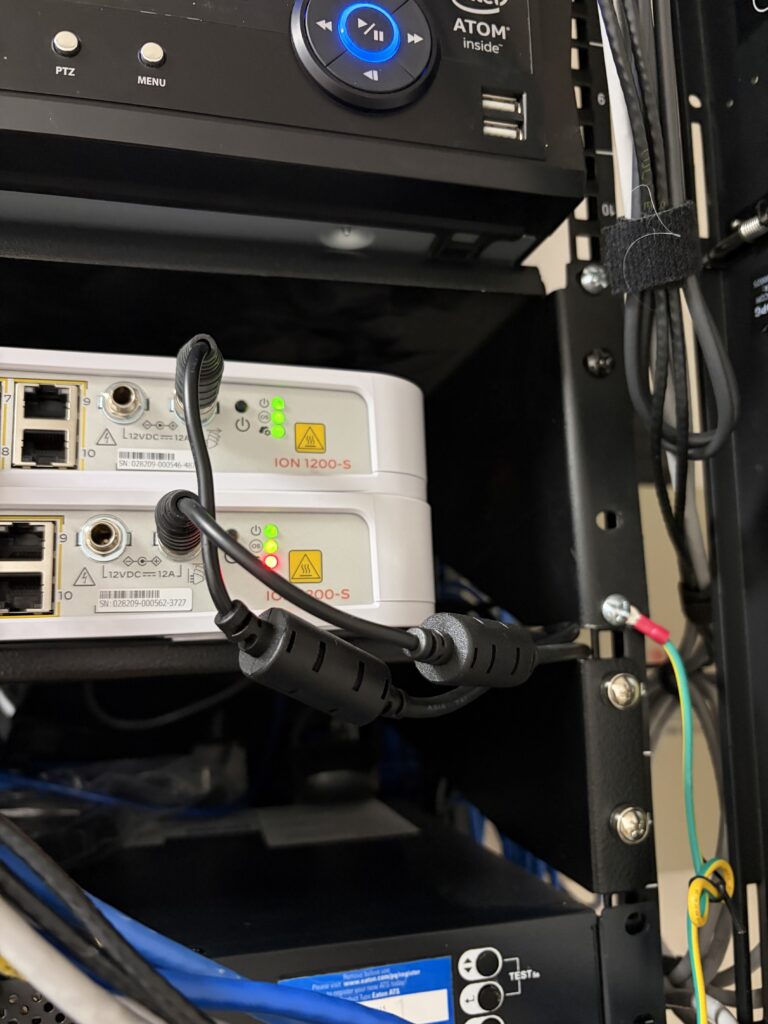
Granado Technologies would start with the practical question: what technology issues are slowing the office down? For healthcare and dental practices, that usually means starting with the front desk, patient-facing areas, phones, Wi-Fi, cameras, and the physical network behind them.
A useful evaluation would check the basics first: reliable device connections, strong Wi-Fi in work areas, stable camera uptime, clear cable labels, documented network drops, and enough switch capacity.
This is also where responsive onsite IT support matters. Remote support can handle many software and account issues, but physical infrastructure often requires someone onsite to test cables, trace drops, inspect equipment, validate camera connections, and coordinate with other vendors.
Why Problems Go Unnoticed Until Operations Are Affected
Network infrastructure problems often stay hidden because they do not always stop the business immediately. A weak connection may only affect one room. An unlabeled cable may only become a problem when a device needs to move. A switch capacity issue may not matter until the office adds new cameras, phones, or treatment room technology.
Small practices are also busy. If a device works after a restart, the team may move on. Over time, the office gets used to the workaround instead of asking why the workaround is needed.
That is exactly why cameras, network infrastructure, and structured cabling are useful starting points. They give the practice a clear, practical reason to evaluate the environment without overwhelming the conversation with every possible IT service at once.
Final Takeaway
June revealed that IT support needs in healthcare and dental practices often show up as workflow problems before they become outages. Slow devices, choppy phones, weak Wi-Fi, unreliable cameras, and unclear cabling can all affect scheduling, communication, and patient flow.
Granado Technologies works with local small practices, dental offices, healthcare teams, and growing businesses to provide fast, reliable onsite IT infrastructure support. Our team can help with network infrastructure, structured cabling, security cameras, wireless support, and field services so internal teams and existing vendors do not become bottlenecks.
If your practice is seeing the same technology issues come back again and again, reach out to us. We would be glad to help you identify the next practical step.
Continue reading
 IT Infrastructure
 Industrial Security Camera Planning for Effective Coverage
Industrial Security Camera Planning for Effective Coverage Industrial security camera planning helps warehouses, logistics centers, and other industrial facilities improve visibility across fast-moving operations. Employees, forklifts, trucks, inventory,…
 IT Infrastructure
 Wireless Coverage Problems: Causes and Solutions
Wireless Coverage Problems: Causes and Solutions Wireless coverage problems can significantly disrupt industrial operations, even when they begin as minor connectivity issues. Warehouses, manufacturing facilities, distribution centers, and…
 IT Infrastructure
 Medical Office Renovation IT Infrastructure for Growth
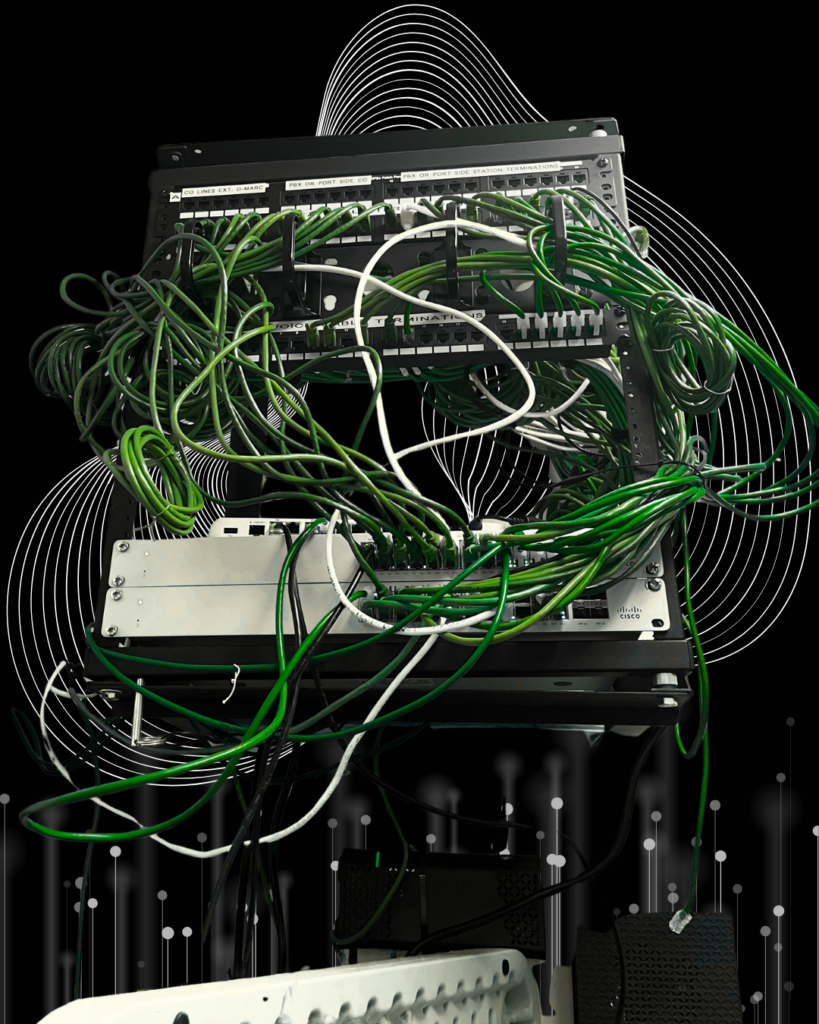
Medical Office Renovation IT Infrastructure for Growth Medical office renovation IT infrastructure planning is essential for dental, medical, and other small healthcare practices that are expanding or remodeling.…
Need expert IT, networking, or low-voltage support?
Our team designs, deploys, and supports IT, structured cabling, Wi-Fi, security cameras, and audio-visual systems for businesses across all 50 states — backed by 24/7/365 service and BICSI-certified installers.