


Room Changes Affect IT Infrastructure: Key Considerations
Healthcare providers, dental offices, and small practices constantly evolve. A practice may add another treatment room, relocate the front desk, expand into an adjacent suite, or bring in new diagnostic equipment. These changes often improve patient care and create a better experience for staff, but they can also affect the technology infrastructure supporting the entire office.
Many organizations think of room changes as construction or furniture projects. However, moving equipment or changing the layout of a practice also affects IT infrastructure. Network connections, structured cabling, wireless coverage, security cameras, and connected medical devices all rely on an infrastructure that was originally designed around the previous layout.
Without proper planning, even a relatively small office adjustment can create unexpected technology issues that slow operations, interrupt patient care, and increase costs.
Understanding how physical changes affect your technology environment helps healthcare organizations avoid unnecessary disruptions while creating a more reliable foundation for future growth. If your practice is preparing for renovations or equipment upgrades, our Technology Upgrades for Small Practices Planning Guide offers additional recommendations for planning infrastructure changes before construction begins.
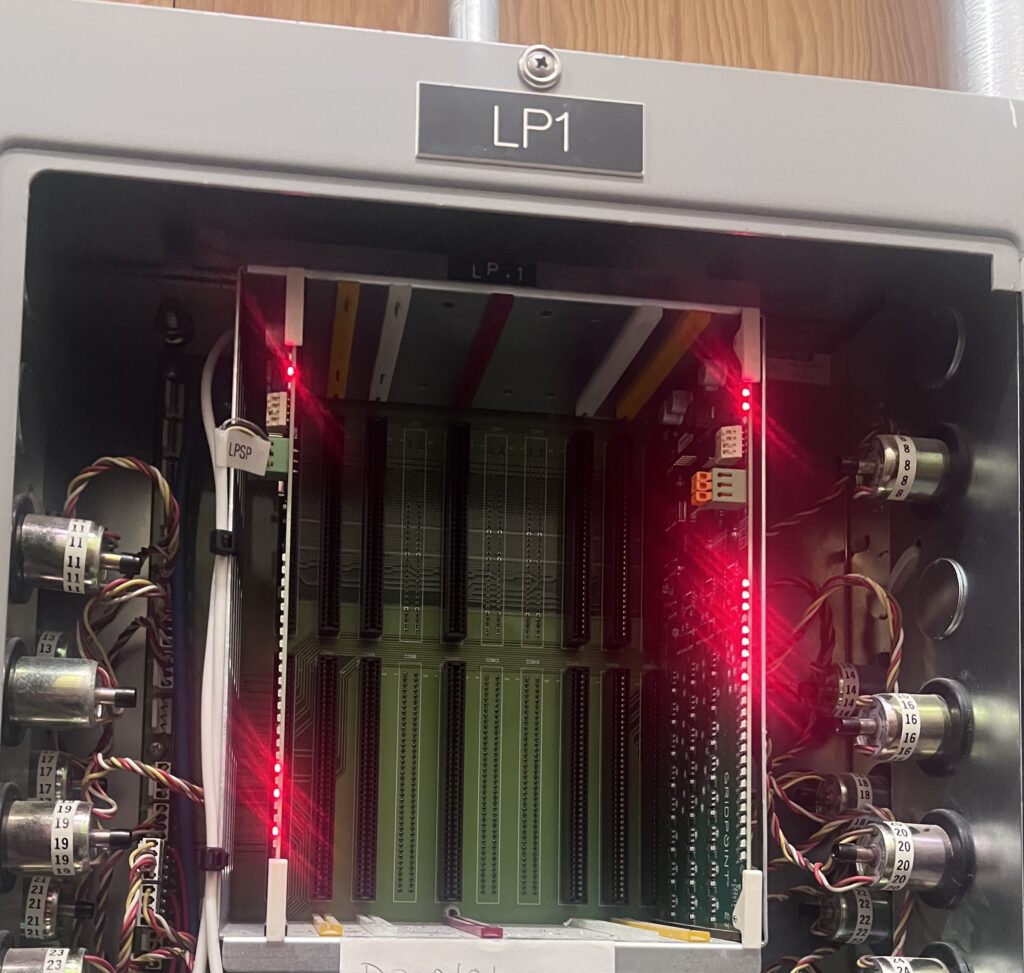 Why Office Layout Changes Affect IT Infrastructure
Technology rarely exists independently. Every workstation, printer, phone, wireless access point, camera, payment terminal, and connected medical device depends on the surrounding network infrastructure.
When a practice moves equipment without considering that infrastructure, problems often appear later instead of immediately.
A workstation relocated across the office may no longer have access to an existing data connection. A new treatment room may require additional network drops. Wireless coverage may weaken after walls or equipment change signal paths. Security cameras that once covered an entrance may no longer provide adequate visibility after the reception area moves.
These issues do not necessarily happen because the equipment is outdated. Instead, they occur because the physical environment changed while the technology infrastructure stayed the same.
Planning these changes together allows practices to avoid unnecessary downtime and expensive rework.
Small Changes Can Create Larger Technology Problems
Many office adjustments begin with good intentions.
A dental practice decides to convert an unused office into another operatory. A healthcare clinic relocates the nurses’ station to improve patient flow. A wellness clinic purchases new diagnostic equipment that requires network connectivity.
Each project seems relatively straightforward.
However, those changes often require additional structured cabling, updated switch capacity, relocated wireless access points, new camera angles, and additional power planning.
Without reviewing the infrastructure beforehand, practices may discover problems only after construction is complete.
Instead of supporting growth, the technology begins creating bottlenecks. Learn how proactive planning and responsive field services reduce delays in our pillar article, Removing IT Bottlenecks with Quick IT Field Services.
Network Infrastructure Should Grow Alongside Your Office
As offices expand, their network infrastructure should expand as well.
Every new workstation, imaging device, payment terminal, security camera, or wireless access point increases demand on the network.
Many practices continue adding devices to infrastructure originally designed years earlier. Eventually, the network reaches its limits, even if internet service appears sufficient.
Before moving equipment or redesigning office layouts, practices should evaluate whether their network can support additional connected devices, increased wireless demand, new treatment rooms, cloud applications, medical equipment, security camera systems, and future expansion.
Looking beyond today’s needs helps prevent additional upgrades a few months later.
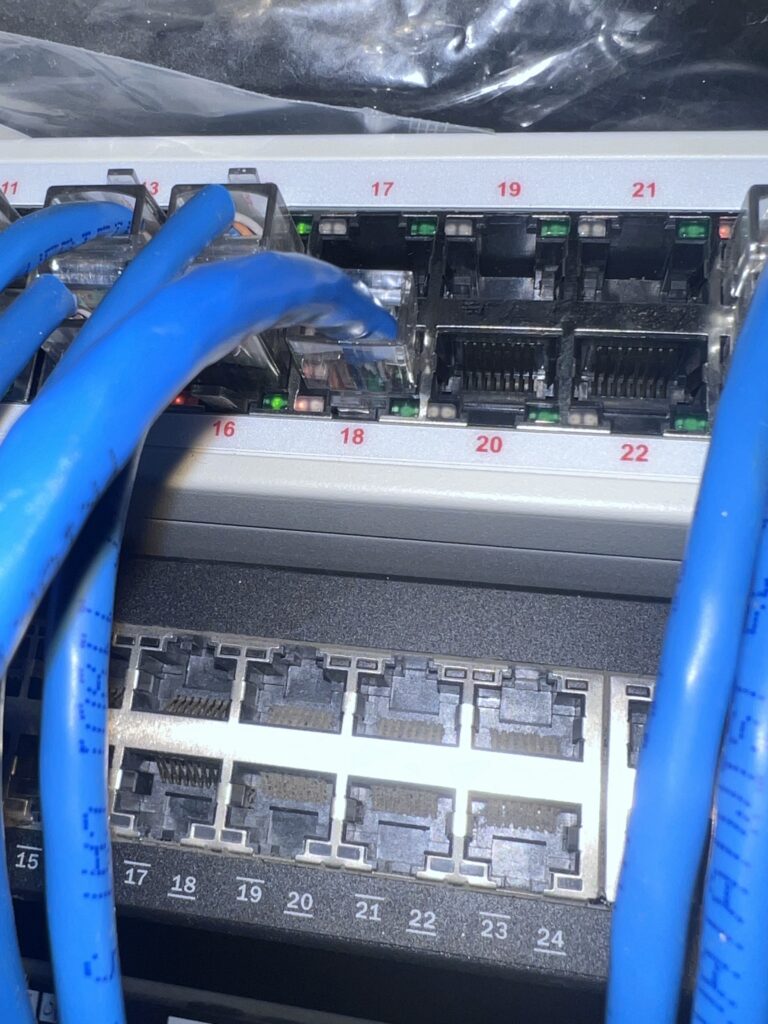 Structured Cabling Supports Every Technology Upgrade
While staff rarely think about cabling, it supports nearly every technology system throughout the office.
A clean structured cabling system creates flexibility when offices change.
Instead of running temporary cables across hallways or relying on extension solutions, practices with organized cabling can relocate equipment much more efficiently.
When cabling becomes disorganized, every future project becomes more difficult.
Common issues include unlabeled ports, undocumented cable runs, insufficient network drops, aging cable, and equipment connected wherever space was available instead of where infrastructure was originally designed.
As practices continue growing, these small compromises accumulate until simple office changes require significant troubleshooting.
Planning structured cabling before renovations creates a stronger foundation for future technology upgrades.
Healthcare Example: Expanding a Dental Practice
Imagine a growing dental office that decides to convert two administrative offices into additional treatment rooms.
The renovation itself progresses smoothly. Walls are moved, cabinetry is installed, and equipment arrives on schedule.
Only afterward does the practice realize each new operatory requires network connectivity for workstations, imaging equipment, payment systems, and digital patient records.
The original cabling never anticipated these rooms.
Wireless coverage also weakens because new walls change signal patterns throughout the office.
Meanwhile, the reception area relocates during construction, leaving the existing security cameras pointed toward areas that no longer experience patient traffic.
None of these problems resulted from poor equipment.
They resulted from infrastructure planning occurring after the renovation instead of before it.
With an early infrastructure assessment, the practice could have planned new network drops, relocated wireless access points, adjusted camera placement, and documented the cabling before construction began.
Security Cameras Should Adapt to Office Changes
Many practices install security cameras once and rarely revisit them.
However, camera placement should change whenever office layouts change.
Moving reception areas, entrances, waiting rooms, medication storage, or employee workspaces can create blind spots that did not previously exist.
Similarly, cameras originally positioned to monitor patient flow may no longer provide useful coverage after renovations.
Before completing an office redesign, practices should review whether existing camera placement still supports operational and security goals.
Sometimes cameras simply require repositioning.
Other times additional cameras become necessary because the layout itself has changed.
Planning this review before reopening the office helps avoid additional installation costs later.
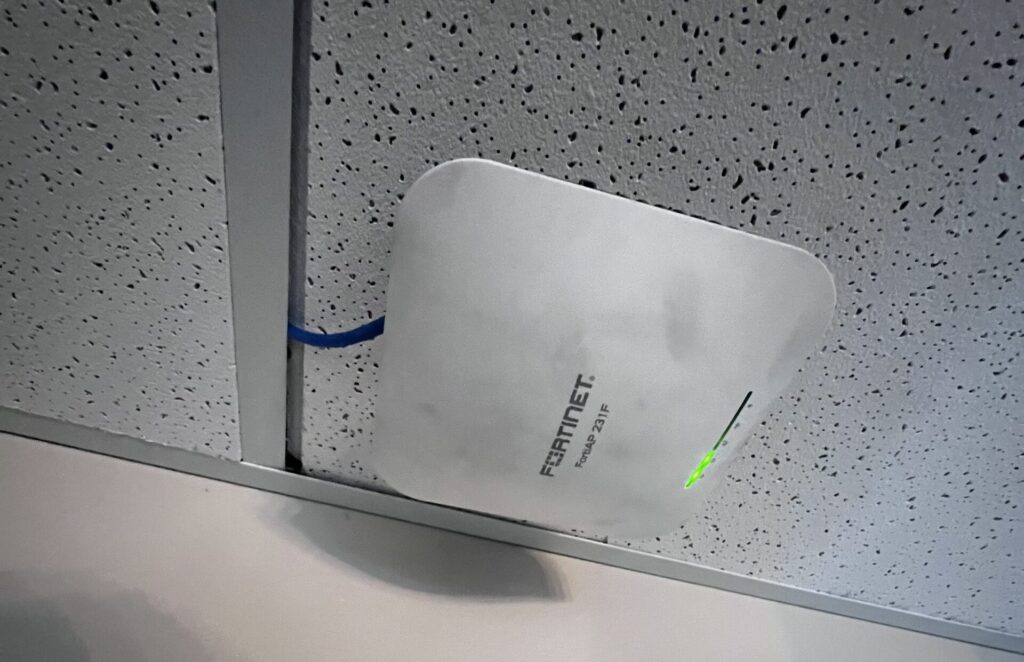 Don’t Forget Wireless Coverage
Wireless performance often changes when offices change.
New walls, medical equipment, furniture, cabinetry, and building materials can all affect Wi-Fi coverage.
Many healthcare providers notice connection issues only after employees begin working in newly renovated spaces.
Instead of assuming internet service is the problem, organizations should evaluate wireless coverage across the entire office.
A wireless assessment identifies weak coverage areas before staff begin relying on them.
This creates a much smoother transition after renovations. To learn more about the warning signs of network issues, read Network Infrastructure Problems Affecting Business Practice.
Case Study: Planning Technology Before a Medical Office Remodel
A helpful example comes from Med-Tech Construction’s article, Medical Office Remodeling for Growing Practices in Texas. The article explains that expanding medical practices should evaluate workflow, technology integration, regulatory requirements, and future growth before remodeling begins. It also emphasizes designing spaces that support modern technology while minimizing disruptions to patient care. This reinforces an important lesson for healthcare and dental practices: room changes should include planning for IT infrastructure, network infrastructure, and structured cabling before construction starts. Doing so helps reduce costly rework and supports a smoother transition once the renovated space is operational.
Onsite IT Support Simplifies Office Changes
Construction companies understand construction.
Equipment vendors understand equipment.
Furniture installers understand furniture.
Very few understand how those changes affect IT infrastructure.
That is where onsite IT support provides value.
Experienced technicians can evaluate network infrastructure, structured cabling, wireless coverage, and security camera placement before construction begins. This proactive approach reduces project delays and unexpected technology issues while helping internal IT teams, facilities managers, and outside vendors work from the same plan.
If you’re unsure when to involve an infrastructure partner, read When Should a Medical or Dental Practice Bring in Onsite IT Support?
Plan Infrastructure Before Construction Starts
One of the easiest ways to reduce project risk is involving IT infrastructure planning before construction begins.
When technology teams participate early, they can identify where network drops should go, determine whether additional cabling is necessary, evaluate wireless coverage, recommend updated camera locations, and verify that network equipment can support future growth.
Waiting until construction finishes usually creates additional work.
Instead of opening newly renovated rooms immediately, practices often need follow-up visits to install additional cabling, relocate equipment, or troubleshoot connectivity issues.
Planning first usually costs less than correcting problems later.
Technology Infrastructure Supports Better Patient Care
Patients rarely notice structured cabling or network switches.
They notice when appointments run behind schedule because workstations lose connectivity.
They notice when payment systems stop working.
They notice when providers wait for applications to load.
Reliable IT infrastructure helps staff focus on patient care instead of technology problems.
As healthcare organizations continue expanding, maintaining that reliability becomes increasingly important. You can also learn about other common infrastructure concerns in IT Support for Healthcare Practices: 5 Issues Small Medical and Dental Offices Should Catch Early.
Final Thoughts
Office renovations, equipment moves, and room adjustments often seem like facilities projects, but they also affect the technology infrastructure supporting daily operations.
Reviewing network infrastructure, structured cabling, security cameras, wireless coverage, and connected devices before making physical changes helps healthcare providers avoid unnecessary downtime and unexpected costs.
Whether your practice is adding treatment rooms, relocating workstations, or expanding into new space, thoughtful planning creates a smoother transition for both staff and patients.
For additional planning resources, explore our Technology Upgrades for Small Practices Planning Guide, When Should a Medical or Dental Practice Bring in Onsite IT Support?, and our pillar article, Removing IT Bottlenecks with Quick IT Field Services.
Contact Granado Technologies
If your healthcare practice, dental office, or small business is planning a renovation, equipment move, or office expansion, Granado Technologies can help evaluate your IT infrastructure before work begins. Contact our team to discuss your project and learn how proactive infrastructure planning can support reliable operations today and future growth tomorrow.
Continue reading
 IT Infrastructure
 Industrial Security Camera Planning for Effective Coverage
Industrial Security Camera Planning for Effective Coverage Industrial security camera planning helps warehouses, logistics centers, and other industrial facilities improve visibility across fast-moving operations. Employees, forklifts, trucks, inventory,…
 IT Infrastructure
 Wireless Coverage Problems: Causes and Solutions
Wireless Coverage Problems: Causes and Solutions Wireless coverage problems can significantly disrupt industrial operations, even when they begin as minor connectivity issues. Warehouses, manufacturing facilities, distribution centers, and…
 IT Infrastructure
 Medical Office Renovation IT Infrastructure for Growth
Medical Office Renovation IT Infrastructure for Growth Medical office renovation IT infrastructure planning is essential for dental, medical, and other small healthcare practices that are expanding or remodeling.…
Need expert IT, networking, or low-voltage support?
Our team designs, deploys, and supports IT, structured cabling, Wi-Fi, security cameras, and audio-visual systems for businesses across all 50 states — backed by 24/7/365 service and BICSI-certified installers.