

Network Infrastructure Problems Affecting Business Practice
Network infrastructure problems are easy to miss when everything seems to be working well enough. A medical or dental practice may still be open, phones may still ring, and patients may still check in. Because of that, small issues often stay in the background until they begin affecting daily operations.
At first, the signs may not feel serious. A front-desk computer loads slowly. A check-in tablet disconnects from Wi-Fi. A phone call sounds choppy. A security camera drops offline for a few minutes. A printer stops responding during a busy part of the day. Someone restarts the device, and the office moves on.
But when the same problems keep coming back, they may point to something deeper. The issue may not be the computer, phone, camera, or printer. It may be the network infrastructure behind those systems.
For small medical, dental, healthcare, and wellness practices, reliable network infrastructure supports almost every part of the day. It helps keep scheduling systems, phones, Wi-Fi, printers, security cameras, and connected devices working. It also depends on strong structured cabling, clean network equipment, good documentation, and practical onsite support.
This guide explains why network infrastructure problems often go unnoticed until operations are affected. It also explains what practices should watch for, what those symptoms can mean, and when it may be time to bring in onsite help.
For more background on how field services reduce bottlenecks, read our pillar guide on Removing IT Bottlenecks with Quick IT Field Services.
Why network infrastructure problems are easy to overlook
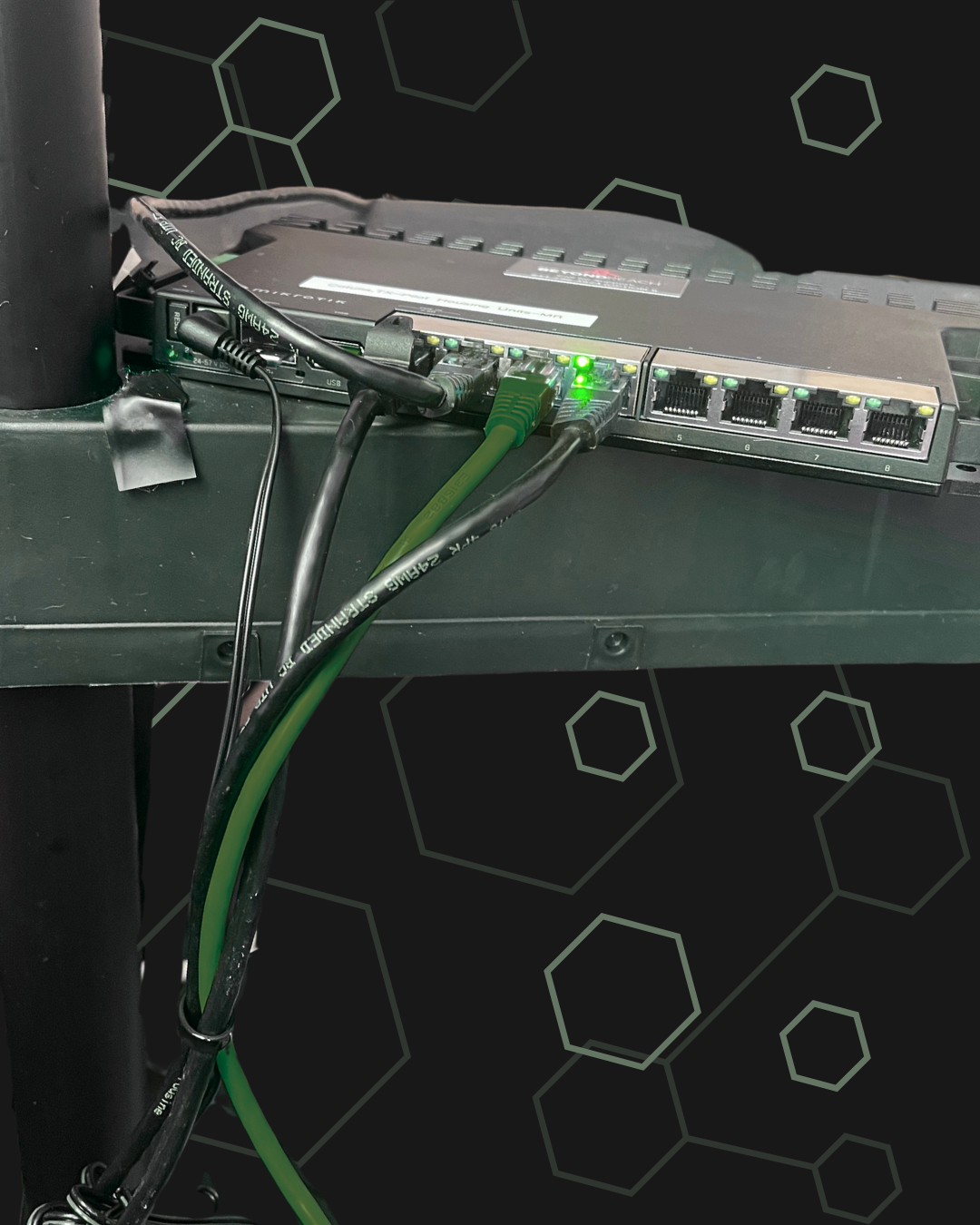
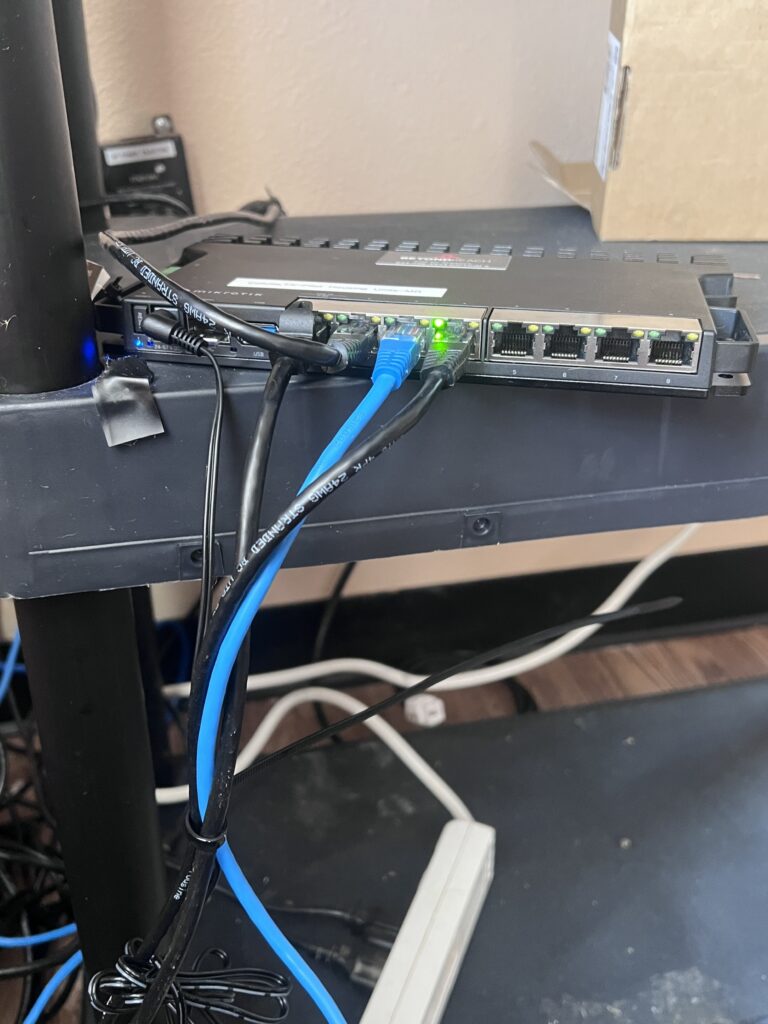
Network infrastructure usually works in the background. Staff members may not think about switches, cabling, access points, routers, or network closets until something stops working.
That is one reason these problems go unnoticed. If the internet is not completely down, the issue may not feel urgent. If only one device disconnects, the team may assume it is a device problem. If phones are choppy once or twice, the office may blame the phone provider. If a security camera goes offline, someone may assume it is a camera issue.
In many cases, the symptoms show up in separate places. One person notices slow Wi-Fi. Another person notices delayed printing. Someone else reports a phone issue. Another team member says a camera is not loading. Because the problems are spread across different systems, no one may connect them back to the same network infrastructure.
That is why small problems can continue for weeks or months before anyone treats them as one larger issue.
A proactive review of network infrastructure can help identify those patterns before they interrupt the full workday.
The first signs a practice may notice
Network infrastructure problems often show up as small workflow issues first. In a medical or dental office, those signs may include slow check-in, dropped calls, weak Wi-Fi, printer delays, or disconnected front-desk devices.
The front desk usually notices problems early because so many systems come together there. Staff may use practice management software, phones, payment terminals, scanners, label printers, email, and patient communication tools at the same time. If the network is unstable, even a small delay can affect the patient experience.
A dental office may notice that imaging files are slow to load. A medical practice may notice that exam room tablets disconnect from Wi-Fi. A wellness office may notice that phones sound unclear during scheduling calls. A small clinic may notice that cameras or door devices are not always reliable.
At first, these issues may look unrelated. But together, they may suggest a problem with cabling, Wi-Fi coverage, network equipment, switch capacity, or documentation.
How network issues affect scheduling, communication, and patient flow
For a small practice, network infrastructure problems can affect the whole day because patient flow depends on connected systems.
Scheduling can slow down when phones are unclear, workstations freeze, or patient systems take too long to load. Check-in can be delayed when tablets disconnect, scanners fail, or printers stop responding. Communication can suffer when phone calls drop or staff cannot quickly access the information they need.
These problems do not always create a full outage. In fact, that is part of the problem. The practice may still function, but the day becomes harder than it needs to be.
Staff may create workarounds. They may restart devices, move tablets closer to the router, switch computers, ask patients to wait, or call vendors one at a time. These workarounds help in the moment, but they do not solve the underlying issue.
Over time, small delays can add pressure. Front-desk staff feel behind. Providers notice slower room turnover. Patients wait longer. Vendors blame each other. The practice loses time trying to manage recurring technology issues instead of focusing on care.
This is when network infrastructure needs a closer look.
What repeated issues usually mean
Repeated technology issues often point to a physical infrastructure problem.
A phone issue may be tied to network performance, switch configuration, or old cabling. A Wi-Fi issue may come from poor access point placement, too many connected devices, or weak coverage in certain rooms. A camera issue may involve PoE power, cable quality, network capacity, or switch ports.
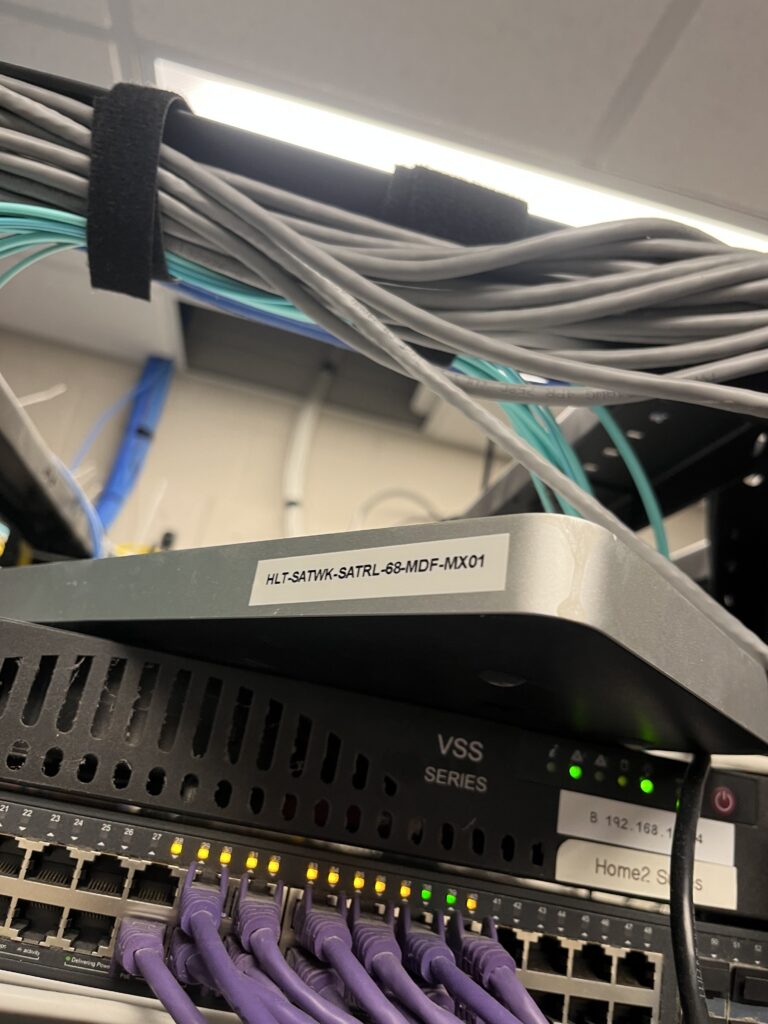
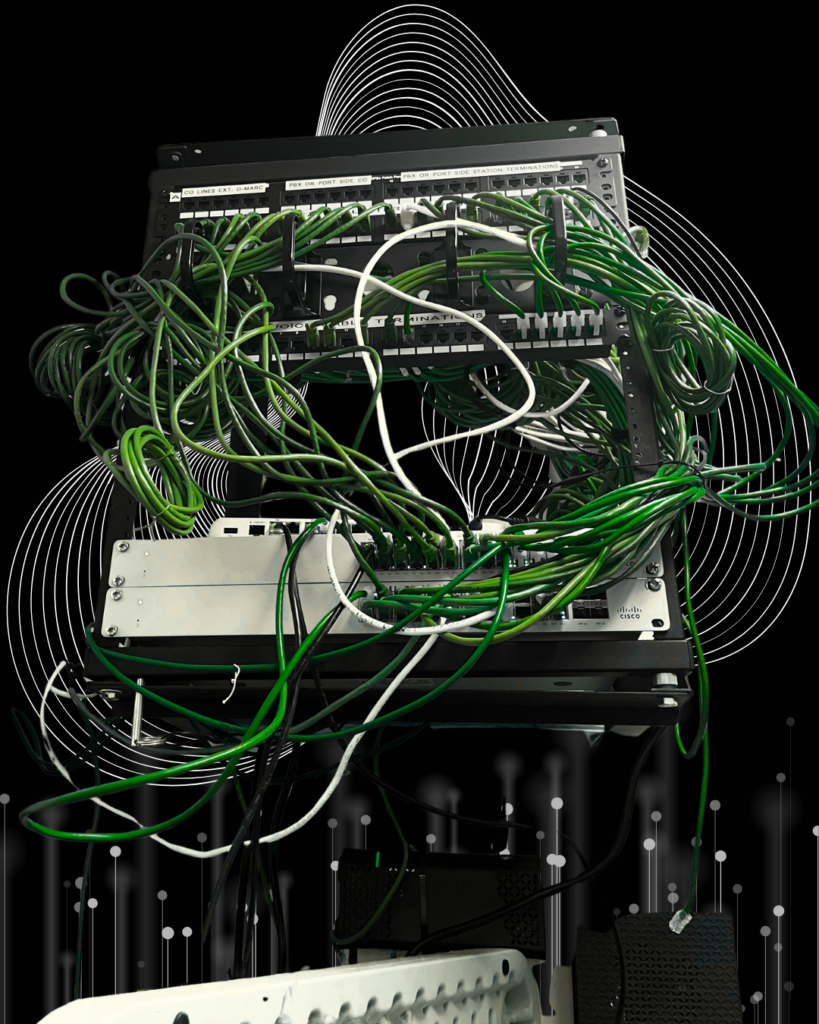
Structured cabling is one of the most common areas to check. If cables are old, unlabeled, damaged, or poorly documented, support takes longer. A technician may need to trace connections before they can even begin solving the actual issue.
Network closets can also cause problems. A closet may have limited rack space, messy cable management, poor ventilation, overloaded equipment, or switches with no available ports. These issues may not be visible to daily staff, but they can create delays when the office adds new phones, cameras, access points, or workstations.
Good structured cabling creates a cleaner foundation for phones, Wi-Fi, security cameras, computers, and future upgrades.
For more on cabling planning, read Structured Cabling Best Practices for Industrial Operations. The article focuses on industrial sites, but the same ideas apply to small offices: clean labels, organized pathways, tested connections, and better documentation.
Why security cameras can reveal network problems
Security cameras are often one of the first systems to expose weak network infrastructure.
A camera may drop offline. Video may load slowly. Footage may appear unclear. A recording may be missing. At first, the office may assume the camera itself is the issue. Sometimes it is. But camera problems can also point to the network behind the camera.
Modern security cameras often depend on structured cabling, PoE power, network switches, storage, and reliable connectivity. If one part of that chain is weak, the camera system may become unreliable.
This is why camera projects are a strong starting point for infrastructure conversations. A practice may call about one camera issue, but the evaluation may reveal old cabling, limited switch capacity, poor camera placement, or network documentation gaps.
Granado Technologies supports security camera work as part of a broader onsite infrastructure approach. That means the focus is not only on installing cameras. It is also on making sure the cabling, network equipment, power, and testing are handled properly.
Case Study: When Network Infrastructure Problems Started Affecting Daily Flow
A healthcare IT case study from Secur-Serv on Caring Medical shows how recurring technology support needs can become difficult for a medical practice to manage internally. In many small healthcare environments, issues do not begin as major outages. They often start as smaller problems with devices, connectivity, communication tools, or support response. Over time, those problems can create pressure on staff and make daily operations harder to manage.
This connects directly to the point of this blog. A medical or dental practice may not realize that a network infrastructure problem exists until the symptoms begin affecting scheduling, communication, phones, front-desk devices, cameras, or patient-facing workflows.
A weak Wi-Fi signal, unstable network connection, or poorly documented cabling setup may start as a small inconvenience. But if the issue repeats often enough, the office starts losing time. Staff may need to restart equipment, call multiple vendors, delay check-in, repeat phone conversations, or work around unreliable devices.
For Granado Technologies, this is the type of situation we would want to evaluate onsite. Our first step would be to look at the systems that affect daily flow the most, including the front desk, phones, Wi-Fi coverage, network drops, structured cabling labels, security cameras, and connected devices.
From there, we would identify whether the issue is tied to network equipment, structured cabling, access point placement, switch capacity, camera connectivity, documentation, or the need for responsive onsite support.
The main takeaway is simple. Network infrastructure problems often go unnoticed because the office can keep operating for a while. But once staff are spending time on workarounds, the problem is already affecting operations.
You can review the case study here: Caring Medical Managed IT Services Case Study
What Granado would prioritize in the evaluation
When Granado Technologies evaluates network infrastructure for a small practice, the first priority is understanding how technology supports daily operations. That usually starts with the front desk, patient-facing areas, phones, Wi-Fi, cameras, and the physical network behind them.
Granado would look at practical questions first. Are the most important devices connected reliably? Is Wi-Fi strong where staff actually work? Are security cameras staying online? Are network drops labeled? Is the cabling organized? Is there enough switch capacity? Are access points placed correctly? Is the network closet clean and serviceable?
This type of onsite review helps separate symptoms from root causes.
For example, if the office reports slow phones, the issue may not be the phone system alone. It may be the internet connection, network configuration, cabling, or switch setup. If cameras keep dropping offline, the issue may involve power, cabling, network load, or equipment placement.
A responsive onsite field services partner can help gather the information vendors need, reduce back-and-forth, and give the office a clearer plan.
For offices with multiple sites, consistency becomes even more important. Read Standardize IT Infrastructure Across Multiple Locations for more on how standard documentation and repeatable infrastructure can make support easier.
When to address network infrastructure before it causes bigger issues
A practice should not wait for a full outage before reviewing network infrastructure. The best time to act is when small issues become repeat issues.
Good times to schedule a review include:
- Before adding new security cameras
- Before upgrading phones or internet service
- Before opening a new office or suite
- Before expanding treatment rooms
- Before adding new front-desk technology
- When Wi-Fi complaints become common
- When devices disconnect during busy hours
- When vendors need someone onsite to check equipment
- When no one has clear cabling or network documentation
The earlier the review happens, the easier it is to prevent larger disruptions.
For more on planning network work, read How to Plan a Successful Warehouse Network Deployment. While that article focuses on warehouse environments, the planning steps are useful for any business that depends on stable network infrastructure.
Why network infrastructure, cameras, and cabling are strong starting points
For healthcare, dental, and wellness offices, network infrastructure, security cameras, and structured cabling are strong starting points because they support many other systems.
Network infrastructure supports phones, Wi-Fi, workstations, printers, patient systems, and connected devices. If the network is unstable, the whole office can feel it.
Security cameras help protect the office and support visibility around entrances, waiting areas, back offices, and staff spaces. But cameras depend on strong cabling, network connectivity, power, storage, and proper placement.
Structured cabling creates the foundation for reliable connections. Good cabling supports phones, access points, cameras, workstations, and future upgrades.
These services are also easy for prospects to understand. A practice may not know it needs a full technology strategy, but it knows when Wi-Fi is weak, cameras are unreliable, or cabling is unclear. Starting with those needs helps create a clearer conversation and a practical path forward.
Final thoughts
Network infrastructure problems often go unnoticed because they do not always start as major outages. They start as small signs: slow devices, weak Wi-Fi, choppy calls, disconnected printers, unreliable cameras, and repeated staff workarounds.
But once those issues affect scheduling, communication, patient flow, or daily operations, the infrastructure behind the technology needs attention.
Granado Technologies works with small practices, dental offices, healthcare teams, and other local businesses to provide responsive onsite IT infrastructure support. Our team can help with network infrastructure, structured cabling, security cameras, wireless support, and onsite troubleshooting so recurring technology issues do not slow down the day.
If your office is seeing the same network problems come back again and again, contact us. We would be glad to help you talk through the next step.
Continue reading
 IT Infrastructure
 Industrial Security Camera Planning for Effective Coverage
Industrial Security Camera Planning for Effective Coverage Industrial security camera planning helps warehouses, logistics centers, and other industrial facilities improve visibility across fast-moving operations. Employees, forklifts, trucks, inventory,…
 IT Infrastructure
 Wireless Coverage Problems: Causes and Solutions
Wireless Coverage Problems: Causes and Solutions Wireless coverage problems can significantly disrupt industrial operations, even when they begin as minor connectivity issues. Warehouses, manufacturing facilities, distribution centers, and…
 IT Infrastructure
 Medical Office Renovation IT Infrastructure for Growth
Medical Office Renovation IT Infrastructure for Growth Medical office renovation IT infrastructure planning is essential for dental, medical, and other small healthcare practices that are expanding or remodeling.…
Need expert IT, networking, or low-voltage support?
Our team designs, deploys, and supports IT, structured cabling, Wi-Fi, security cameras, and audio-visual systems for businesses across all 50 states — backed by 24/7/365 service and BICSI-certified installers.