

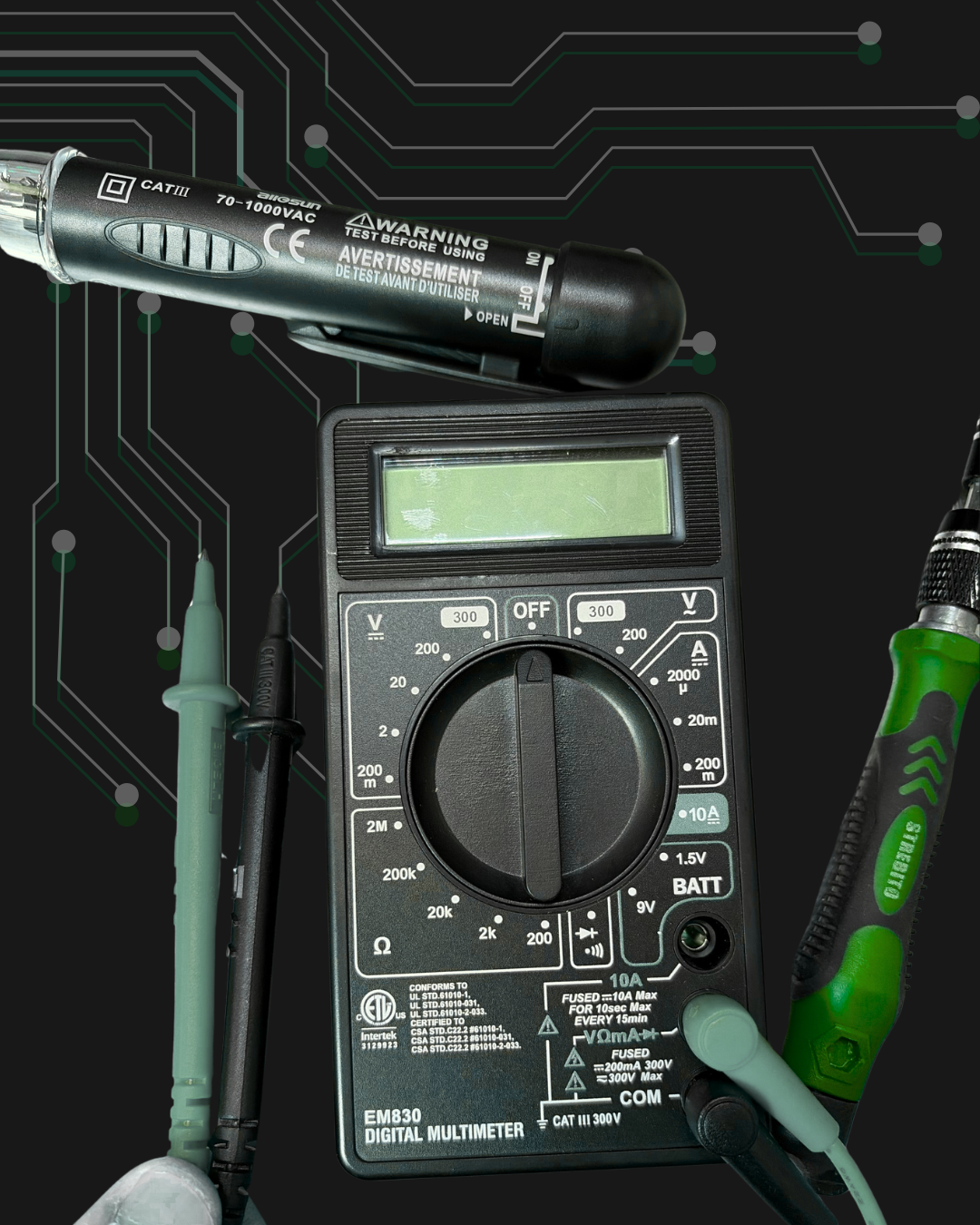
IT Support for Healthcare Practices: 5 Issues Small Medical and Dental Offices Should Catch Early
Small IT issues can disrupt a medical or dental office faster than most teams expect. A front-desk computer that freezes, a phone that drops calls, a slow Wi-Fi connection, or a badge reader that stops working may seem minor at first. But in a busy practice, these small problems can quickly affect scheduling, patient check-in, communication, and the flow of the entire day.
For small medical and dental offices, reliable IT support is not just about fixing computers. It is about keeping the office moving. Front-desk teams need stable devices. Providers need access to patient systems. Phones need to work clearly. Wi-Fi must support tablets, scanners, printers, and connected equipment. Cameras and access control should help protect the office without adding extra work for the team.
This guide covers five IT issues healthcare practices should catch early. It also explains how services like structured cabling, network deployments, access control, and onsite IT support can help small offices avoid bigger problems later.
For more background on how field services help reduce operational slowdowns, read our guide on Removing IT Bottlenecks with Quick IT Field Services.
 1. Slow Wi-Fi before it becomes a full outage
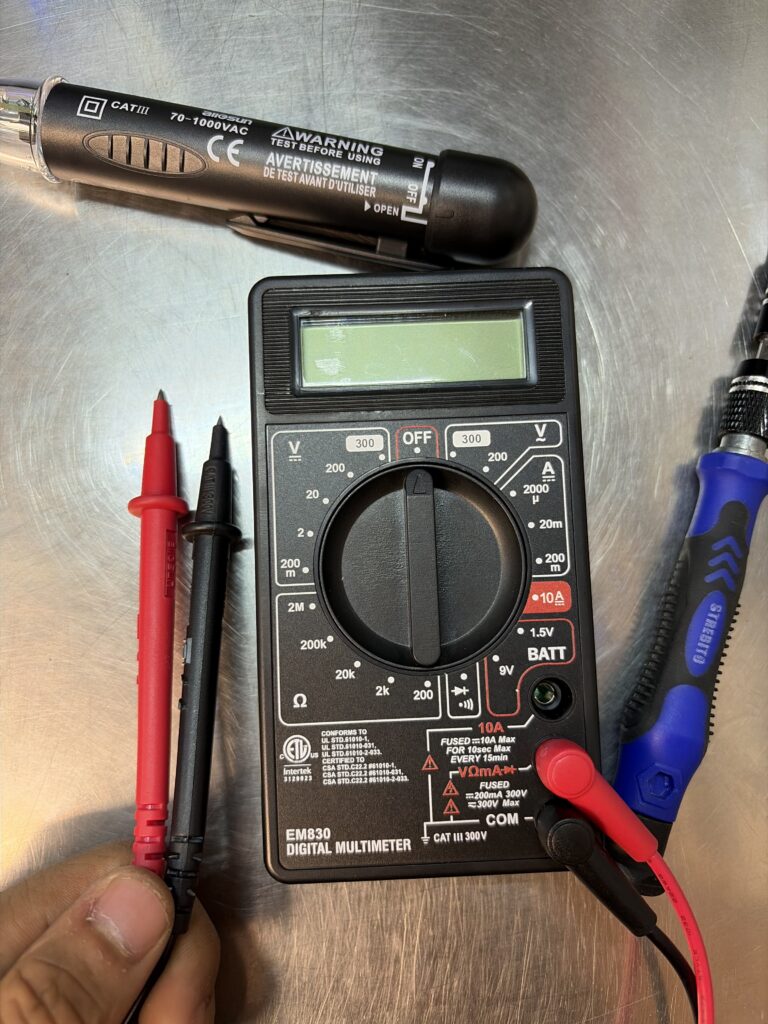
One of the first signs of IT trouble in a healthcare practice is slow or unreliable Wi-Fi. At first, it may only affect one room or one device. A tablet may disconnect during intake. A printer may take longer to respond. A dental imaging workstation may lag when sending files. Staff may move closer to the router just to get a better connection.
These signs are easy to ignore because the network is not fully down. However, slow Wi-Fi can still affect patient flow. If front-desk tablets, check-in devices, or wireless printers do not work smoothly, staff spend more time troubleshooting and less time helping patients.
In many cases, the issue is not the internet provider. It may be poor access point placement, weak cabling, overloaded network equipment, or an office layout that was never designed for the way the practice now works. As offices add more connected devices, older wireless setups often struggle to keep up.
Granado Technologies would start by reviewing wireless coverage, access point placement, device counts, and cabling paths. The goal is to find weak spots early and create a more stable network before the office experiences a major outage.
For more on wireless planning, see our guide on Warehouse Wireless Design, From Site Survey to Validation. While that article focuses on warehouse environments, many of the same planning ideas apply to any space that depends on reliable wireless coverage.
2. Front-desk device problems that slow scheduling
The front desk is often where IT issues show up first. If a computer is slow, a scanner will not connect, a label printer stops working, or the phone system is unclear, the patient experience can suffer.
Scheduling and check-in depend on several systems working together. Staff may need the practice management system, phones, printers, payment terminals, scanners, and email open at the same time. When one device slows down, the process becomes harder. When several small issues happen at once, the front desk can quickly fall behind.
These problems may point to outdated workstations, poor network connections, weak cabling, limited switch capacity, or a lack of regular onsite IT support. Sometimes, the issue is also poor documentation. If no one knows which cable, switch port, or network drop supports the front desk, troubleshooting takes longer than it should.
A proactive evaluation should review the devices that support scheduling and check-in. This includes front-desk computers, phones, printers, scanners, network drops, and internet reliability. It should also include documentation so future support is faster.
Good onsite IT support can help identify these issues before they become daily disruptions.
 3. Phone and communication issues that affect patient flow
Phone problems can create major frustration in a small healthcare office. Missed calls, dropped calls, poor audio quality, or delayed voicemails can affect scheduling, patient questions, referrals, and follow-ups.
In many practices, phone issues are treated as separate from IT. But modern phone systems often depend on the same network infrastructure as everything else. An unstable network can affect phone performance. Old cabling or unlabeled ports can also make troubleshooting slower. In addition, call quality may drop when the internet connection or switch setup is not ready for voice traffic.
The first signs are usually small. Patients may say they cannot get through. Staff may report that calls sound choppy. A provider may miss a callback. The office may blame the phone vendor, while the phone vendor points back to the network.
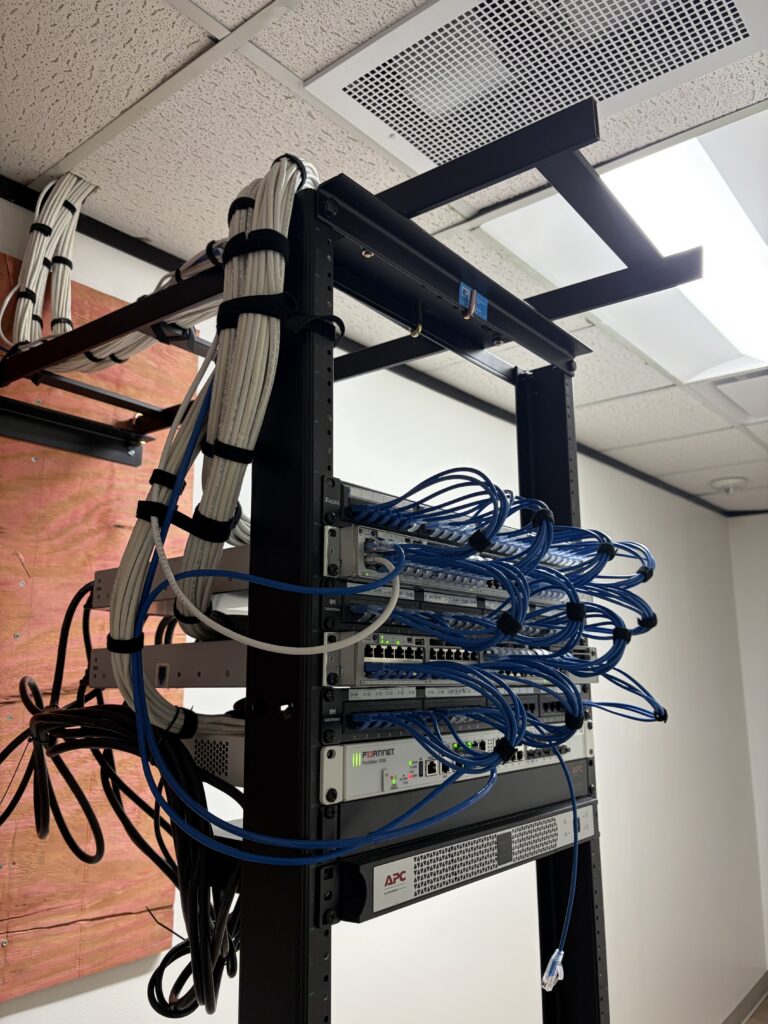
This is where clear ownership matters. A responsive IT infrastructure partner can help check the physical network, cabling, switch ports, and device connections. They can also coordinate with phone vendors so the office is not stuck between multiple providers.
For more on how vendors and onsite responsibilities can affect projects, read IT Field Services Partner for Manufacturing and Logistics. The same coordination lessons can apply to small healthcare environments.
4. Access control and camera issues that go unnoticed
Access control and cameras are often installed once and then forgotten until something fails. In a small medical or dental office, that can create risk.
A badge reader may become unreliable. A camera may lose connection. A door may not lock or unlock consistently. A staff-only area may not have the right access rules. These issues may not stop patient care right away, but they can affect security, compliance practices, and staff confidence.
Access control depends on more than the device on the wall. Badge readers, cameras, door controllers, and security systems need structured cabling, network connectivity, power, documentation, and testing. If those pieces are not planned well, the system becomes harder to support.
Granado Technologies would review door locations, camera coverage, cabling pathways, power needs, network connections, and support documentation. For practices planning a remodel, expansion, or new suite, it is best to include access control early in the project.
For more detail, read Access Control Best Practices for Manufacturing and Warehouse Facilities. Although that article focuses on industrial facilities, the same best practices apply to smaller offices that need secure and reliable entry points.
5. Poor cabling and documentation that make every fix slower
One of the most hidden IT problems in small healthcare offices is poor cabling. The office may still function, but support becomes harder every time something changes.
Cable labels may be missing. Network drops may not match wall plates. Patch panels may be unclear. Old cabling may still be active in some areas. Documentation may not show what connects to what.
This becomes a problem when the practice adds a new workstation, moves a printer, upgrades phones, installs cameras, or expands into another room. Instead of starting the project, the technician first has to trace cables and figure out the setup.
Strong structured cabling creates a cleaner foundation. It helps support network deployments, access control, cameras, phones, and workstations. It also makes future support easier because technicians can quickly identify which connection supports each device.
For more on cabling planning, read Structured Cabling Best Practices for Industrial Operations. The scale may be different, but the same principles matter in small healthcare offices: clean labels, organized pathways, good documentation, and tested connections.
Case Study: The Small IT Issue That Started Affecting the Whole Office
A healthcare connectivity case study from the Dynamic Spectrum Alliance shows how wireless access can directly affect the way care environments operate. In healthcare settings, reliable connectivity supports more than basic internet use. It helps staff communicate, access systems, support patient workflows, and keep daily operations moving.
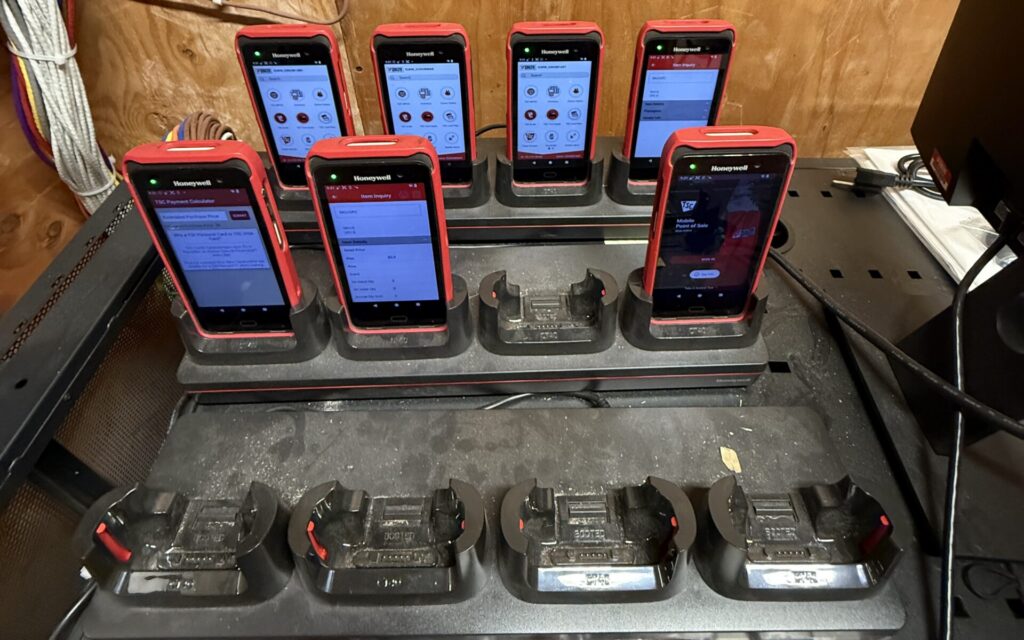
This connects closely to the issues small medical and dental offices face every day. A weak Wi-Fi signal, unstable network connection, or poorly planned infrastructure setup may start as a small inconvenience. However, it can quickly affect front-desk check-in, phones, scheduling, printers, tablets, and patient communication. The office may still be open, but the team starts losing time to repeated workarounds.
For Granado Technologies, this is the type of issue we would want to catch early. Our evaluation would start with the areas that affect patient flow the most, including the front desk, phones, Wi-Fi coverage, network drops, cabling labels, and connected devices. From there, we would identify whether the issue is tied to structured cabling, access point placement, network equipment, documentation, or the need for onsite IT support.
The main takeaway is simple: healthcare technology depends on reliable infrastructure. When wireless, cabling, and network systems are reviewed before small issues spread, practices can reduce disruptions and create a smoother day for staff and patients. You can review the case study here: Dynamic Spectrum Alliance Healthcare Case Study.
What a proactive healthcare practice should evaluate
A small healthcare office does not need to wait for a major outage before reviewing its IT infrastructure. The best time to evaluate the environment is when the first warning signs appear.
Start with the areas that affect patient flow. Review the front desk, check-in devices, phones, printers, provider workstations, Wi-Fi coverage, cameras, and access control. Then look at the infrastructure behind those systems, including cabling, switches, network equipment, and documentation.
A proactive review should answer simple questions. Start by asking whether the most important devices are connected reliably. Then check if cable labels are clear and network drops are documented. This makes it easier to spot support gaps before they affect the office. Is Wi-Fi strong in the areas where staff actually work? Are phones clear and stable? Are cameras and badge readers connected and tested? Is there a plan for onsite IT support when something physical needs to be fixed?
This process helps small practices catch issues before they spread across the office.
Why onsite support matters for small offices
Many small medical and dental offices do not have a full internal IT team. Even when they have remote support, some problems require someone onsite. A cable needs to be tested. A printer needs to be reconnected. A camera needs to be adjusted. A badge reader needs to be checked. A network drop needs to be labeled.
That is where onsite IT support becomes valuable. A responsive field services partner can handle the physical work that remote support cannot complete. This helps the practice move faster and reduces the time staff spend trying to solve IT issues themselves.
Granado Technologies supports businesses with IT infrastructure services, including structured cabling, network deployments, access control, cameras, wireless support, and onsite IT support. We help teams keep projects moving and avoid bottlenecks when technology depends on the physical environment.
Final thoughts
Small IT issues can affect a healthcare practice before they become a full outage. Slow Wi-Fi, front-desk device problems, phone issues, weak access control, and poor cabling can all disrupt scheduling, communication, and patient flow.
The good news is that many of these problems can be caught early. A proactive review of cabling, wireless coverage, network equipment, access control, and onsite support needs can help protect the whole day.
If your office is dealing with small IT issues that keep coming back, contact us. Our team is here to help you talk through the next step.
Author and credentials
By Granado Technologies Team
Granado Technologies delivers onsite IT support, structured cabling, network deployments, and access control for manufacturing, warehousing, and logistics sites. Our team includes certified network engineers and field technicians with experience in single-site and multi-site rollouts.
Continue reading
 IT Infrastructure
 Warehouse Wi-Fi: Planning Around Racks, Aisles, and Mobile Devices
Warehouse Wi-Fi: Planning Around Racks, Aisles, and Mobile Devices Warehouse wifi planning connects wireless design to work on the floor. Scanners must remain connected from receiving through shipping.…
 IT Infrastructure
 How to Standardize Network Upgrades Across Multiple Locations
How to Standardize Network Upgrades Across Multiple Locations Multi-site network upgrade planning helps retail and distributed organizations replace one-off dispatches with a repeatable process. When locations use different…
 IT Infrastructure
 Warehouse Network Infrastructure: How to Keep Scanners, Cameras, and WMS Connected
Warehouse Network Infrastructure: How to Keep Scanners, Cameras, and WMS Connected Warehouse network infrastructure affects nearly every connected workflow. Scanners need reliable Wi-Fi between aisles. Security cameras need…
Need expert IT, networking, or low-voltage support?
Our team designs, deploys, and supports IT, structured cabling, Wi-Fi, security cameras, and audio-visual systems for businesses across all 50 states — backed by 24/7/365 service and BICSI-certified installers.